
When you click the DWT button you will be met with this screen.
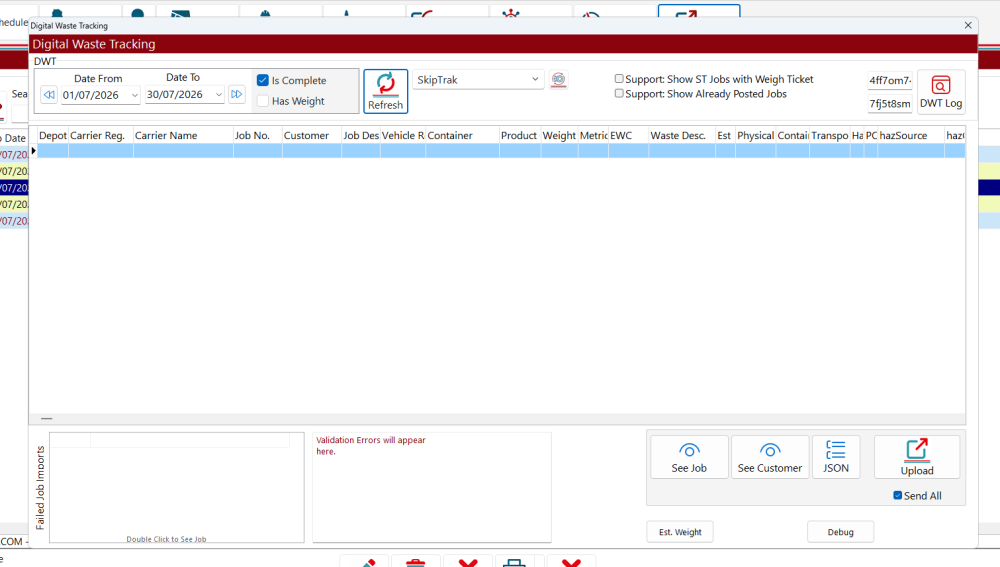
This is where all your waste transactions will appear. Click on refresh to show the current months information.
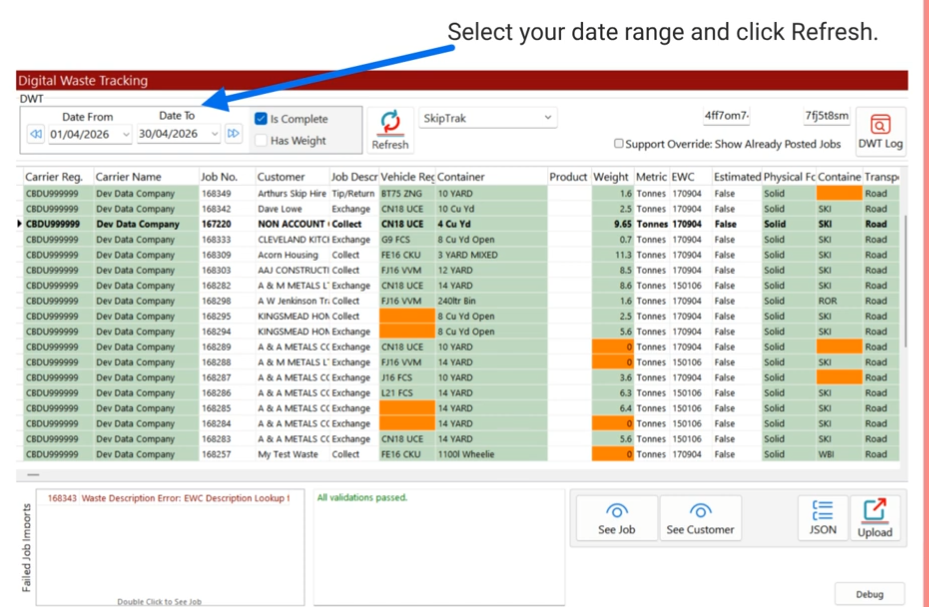
Anything that is not waste, or outbound will need to be shown on this screen.
Feedback
Copyright © 2026 Midsoft
—
Powered by 
Post your comment on this topic.