
How to add rentals:
When in a Job, go into the bottom right tab labelled “Rentals”. Click this and it will open this tab :-
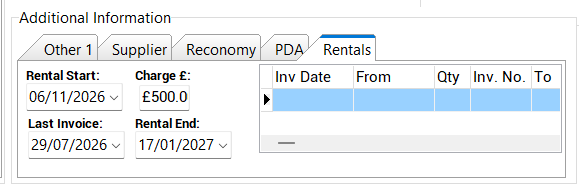
Then from here you can select the Rental Start date, just keep it as the job date for now, input a charge £500 for instance, and then Rental End date.
It will find how many weeks are between these dates then multiply the charge by these weeks.
ACCOUNTING:
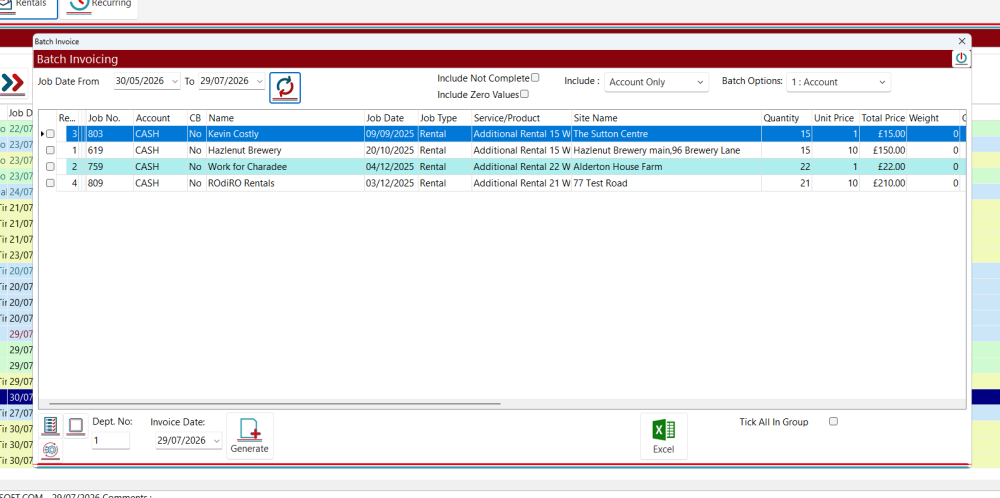
Once the rental has been made and the job is completed it will appear here in Accounting > Rentals. Click this and then it will show a batch-invoice-type screen, select the invoice date, then the between dates to find the rental, then you can select and create an invoice from the rental :-
Then this will appear in the invoicing section :-
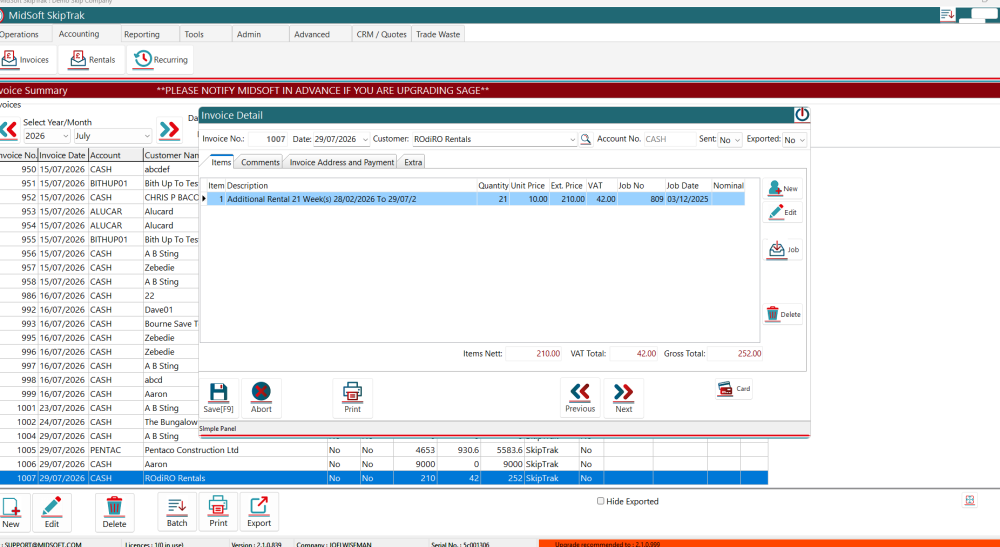
Rental created!!!!
Feedback
Copyright © 2026 Midsoft
—
Powered by 
Post your comment on this topic.