
To add a customer click the Customer button on the top menu
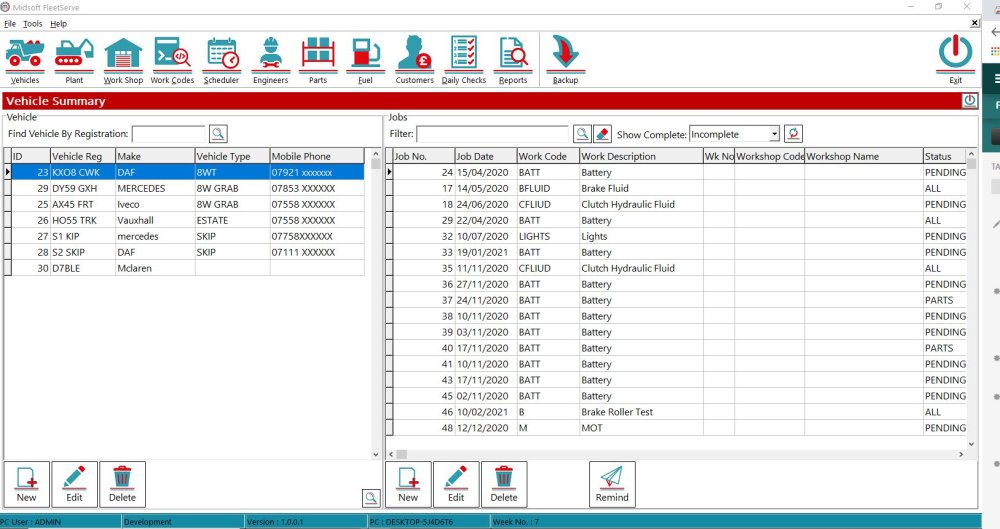
This opens up the Customer window
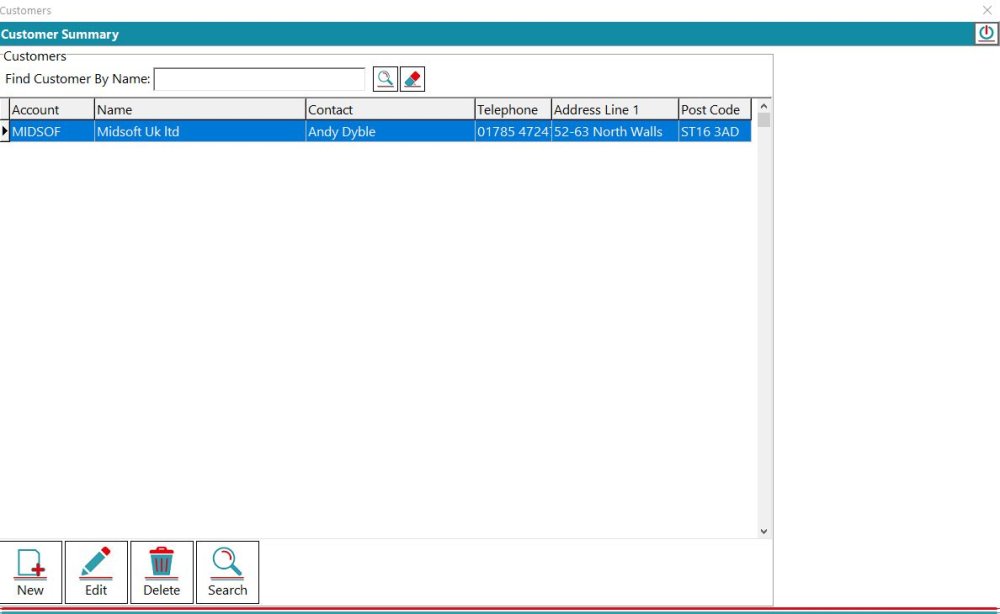
Then click New and this opens the Add a customer window

When you’ve filled in all the details click Save and the new customer is added to your list

Feedback
Copyright © 2026 Midsoft
—
Powered by 
Post your comment on this topic.