
To Edit a Job click Vehicles on the top menu
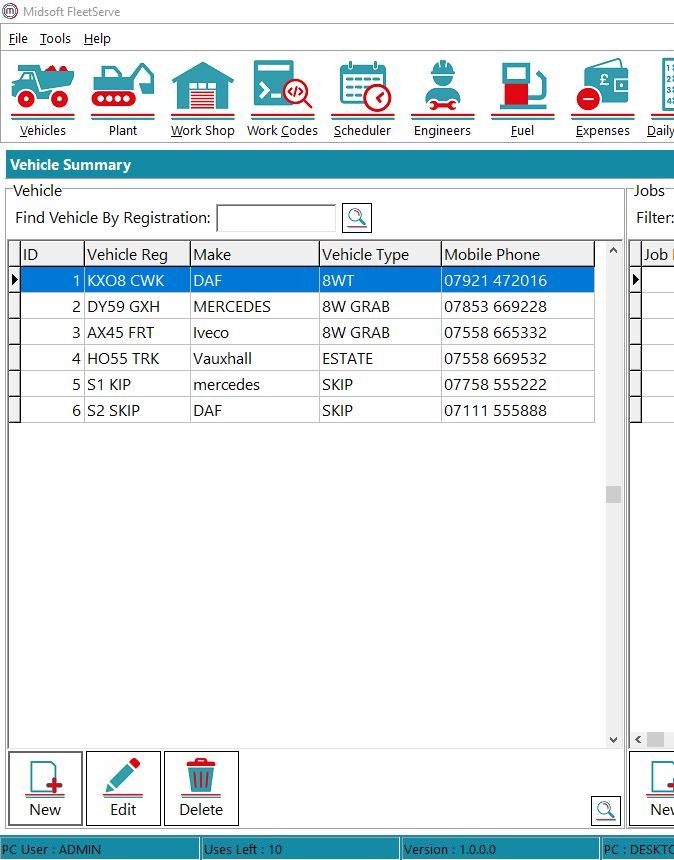
On the left part of the screen you have your list of vehicles and on the right of the screen you have the list of jobs associated with each vehicle.
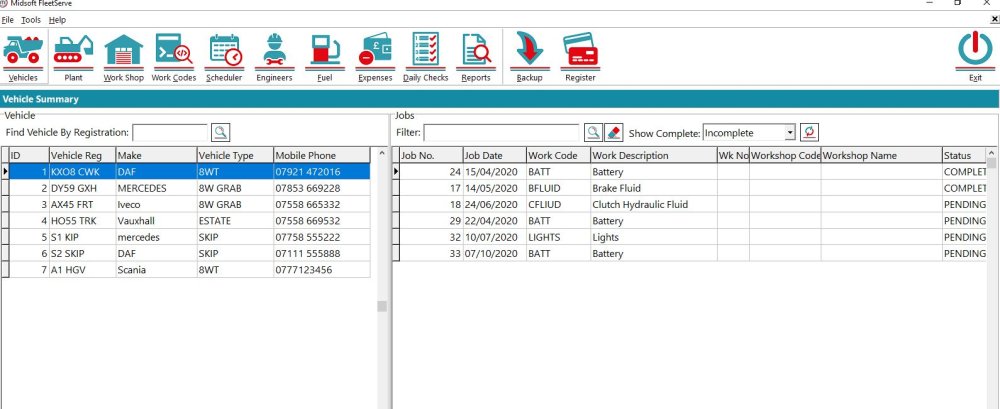
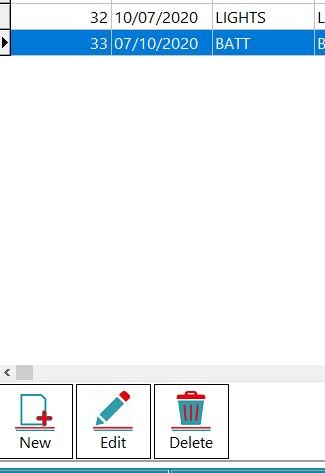
To Edit a job select the vehicle the job is for then on the jobs side highlight the job you wish to edit and click Edit.
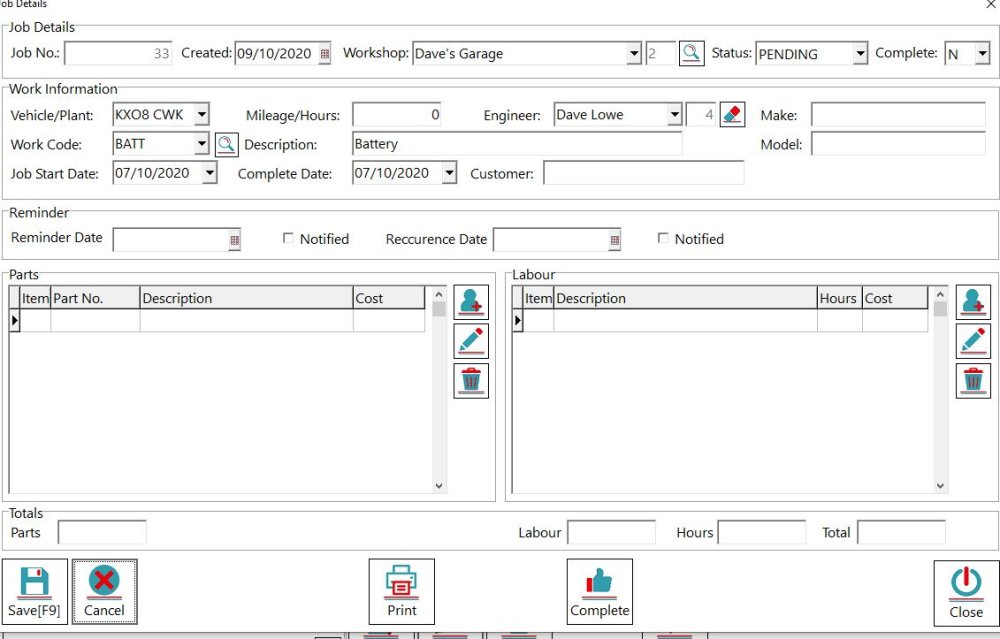
Make the changes to the job then click Save
Feedback
Copyright © 2026 Midsoft
—
Powered by 
Post your comment on this topic.