
Here you can back up and restore your critical data, we always recommend a good back up regime including two offsite options, we can recommend a good managed offsite back up provider, please discuss this with our team during installation, you can also choose a cloud based drive and then a simple USB storage device that can be taken home by key personnel is a good second choice, and a back up to a network drive or secondary hard drive on site is a quick and easy third choice.
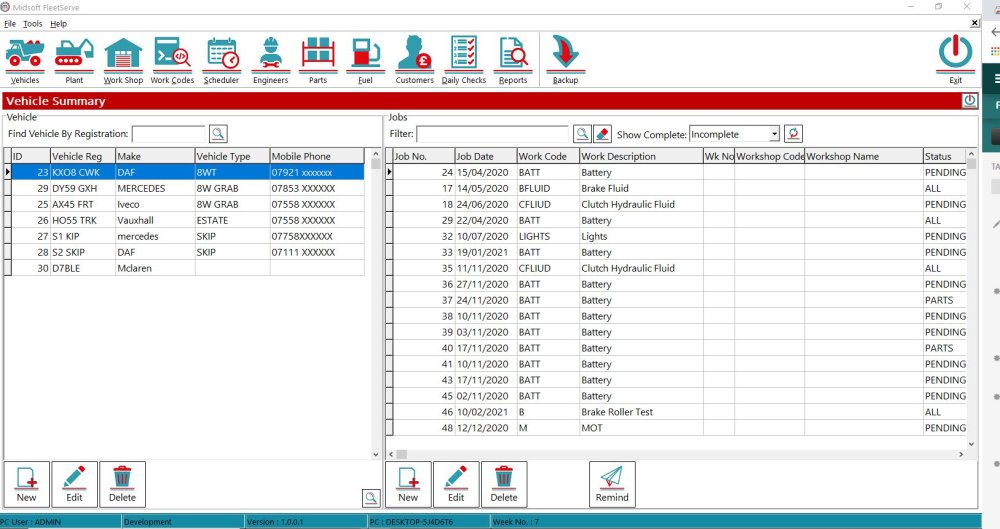
To perform a Back up click the Back up button on the top menu
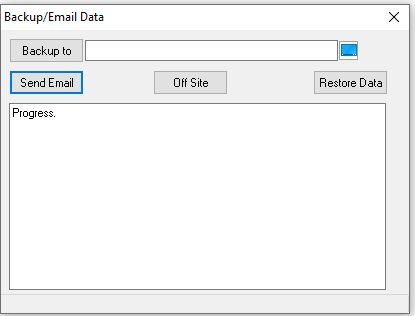
This opens the Back up window
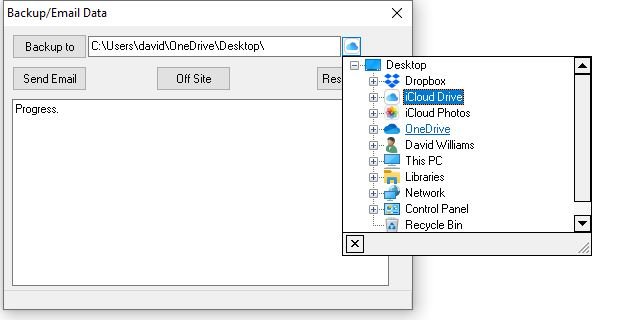
Here you can select which back up option you wish to use, for this example I chose to do an offsite Icloud back up
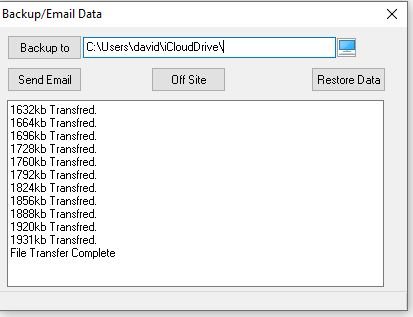
Once you have chosen the destination click the Offsite button and the back up is completed
Feedback

Post your comment on this topic.