
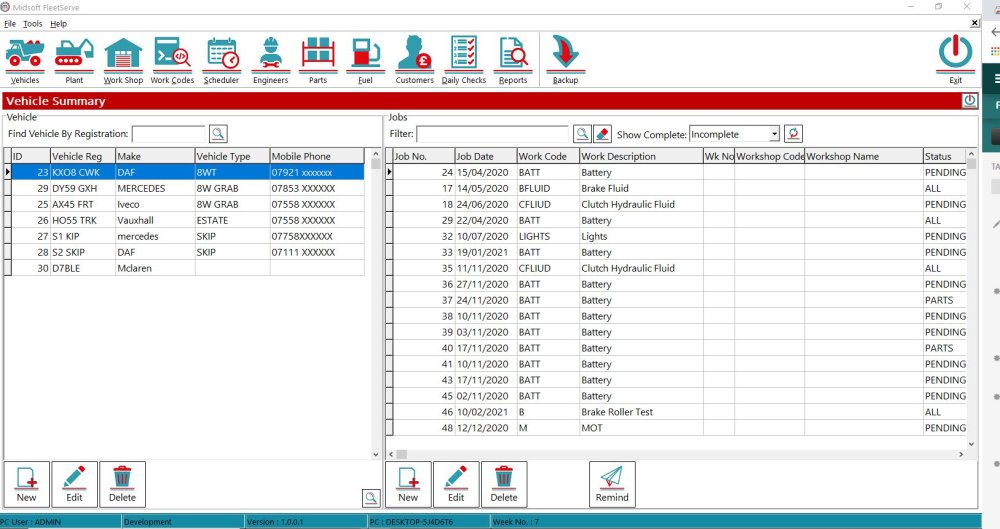
To Edit a customer click the Customer button on the top menu
This opens up the Customer window
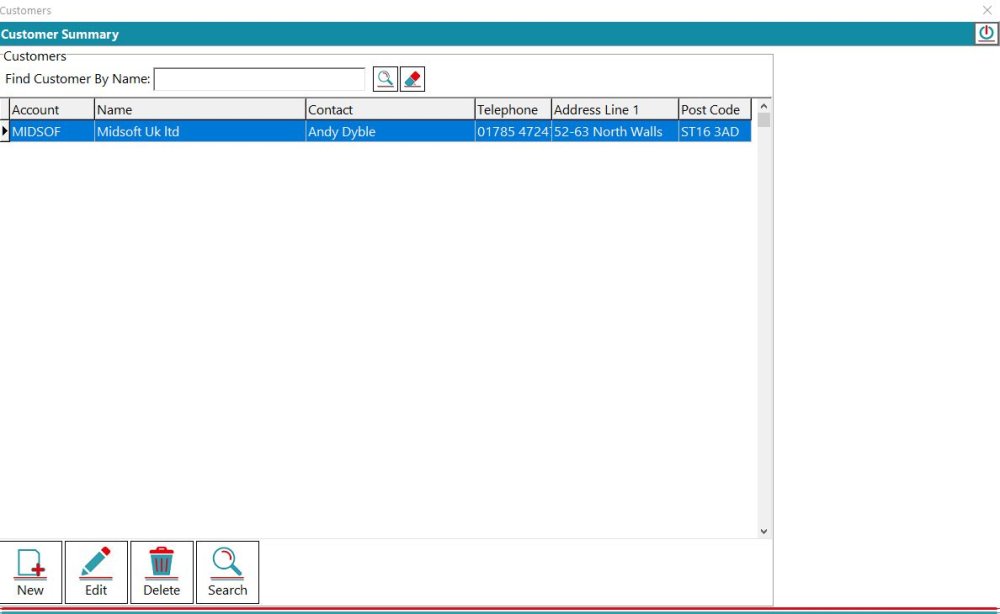
Then either double click the customers name or highlight

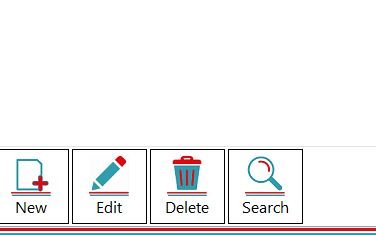
And click Edit
Make the changes required
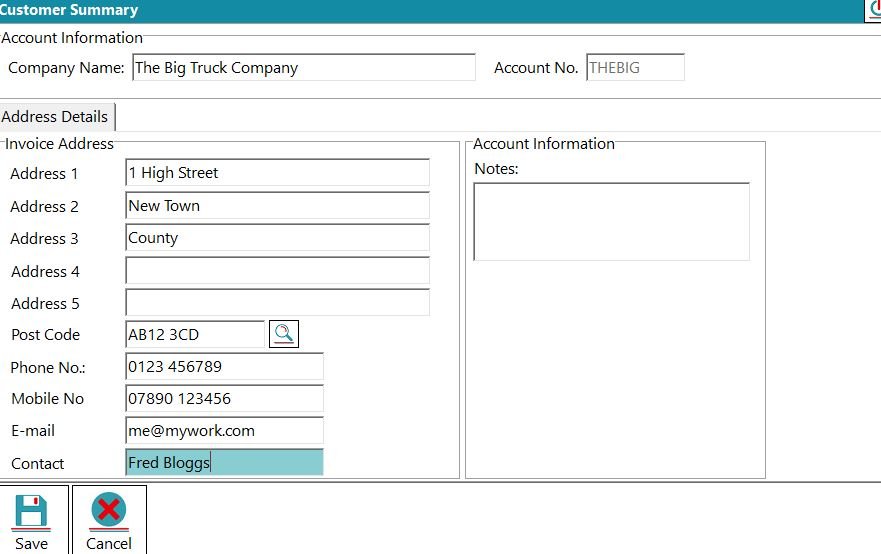
And click Save
Feedback
Copyright © 2026 Midsoft
—
Powered by 
Post your comment on this topic.