
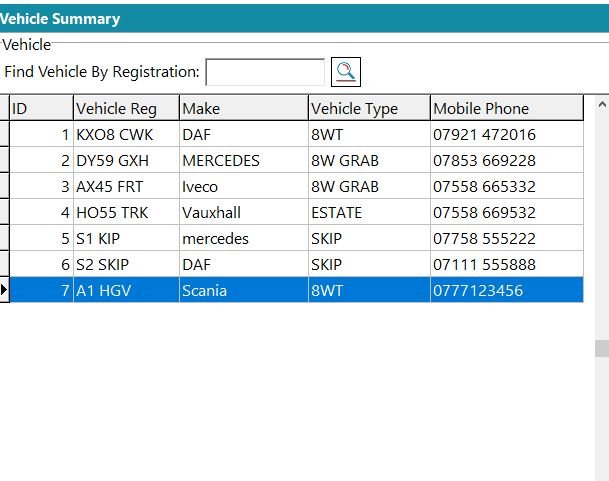
Click the Vehicles button at the top of the main screen.
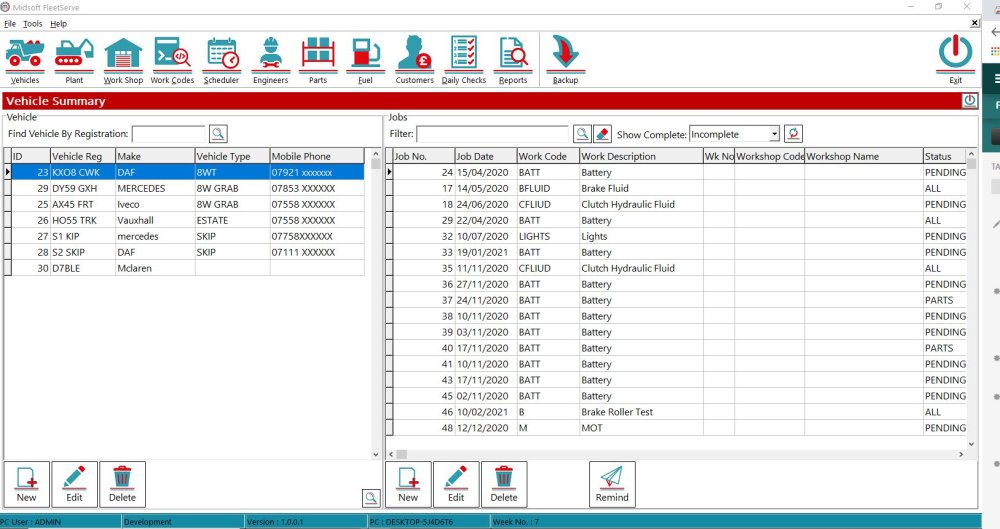
To add a new vehicle: Click the New button at the bottom left.
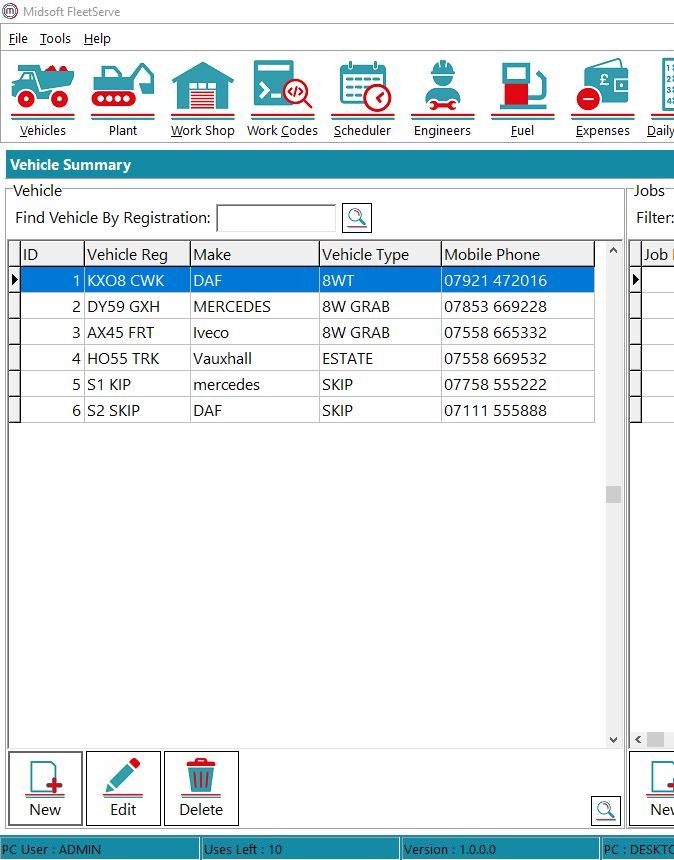
This will then open up a new Vehicle window
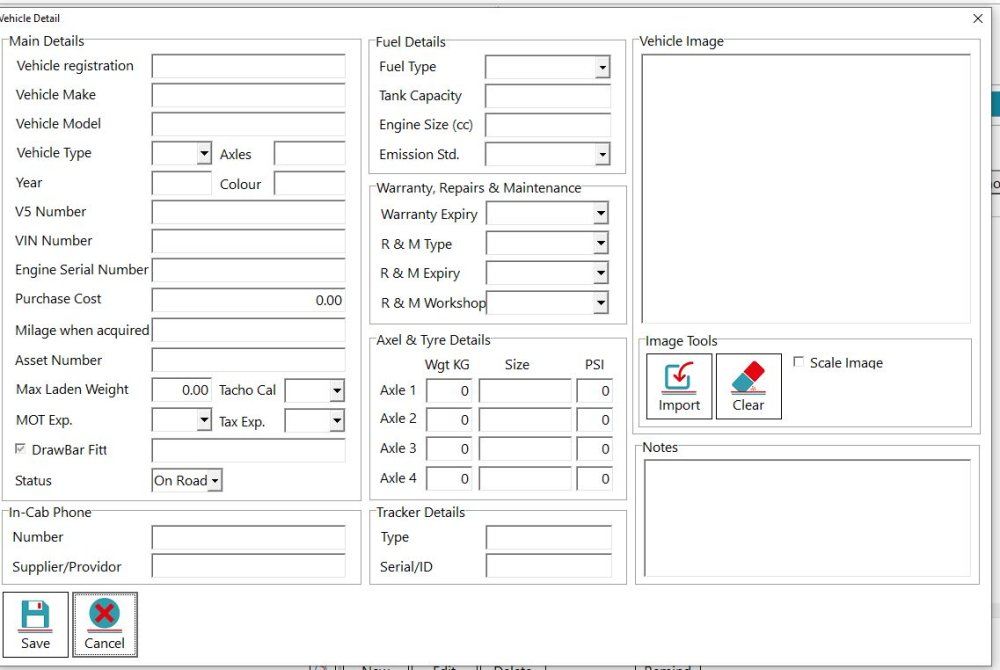
Enter the relevant details for the vehicle ( to add Vehicle Types on the top toolbar click Tools-Look Up Tables-Vehicle Type and then add in any new vehicle types.)
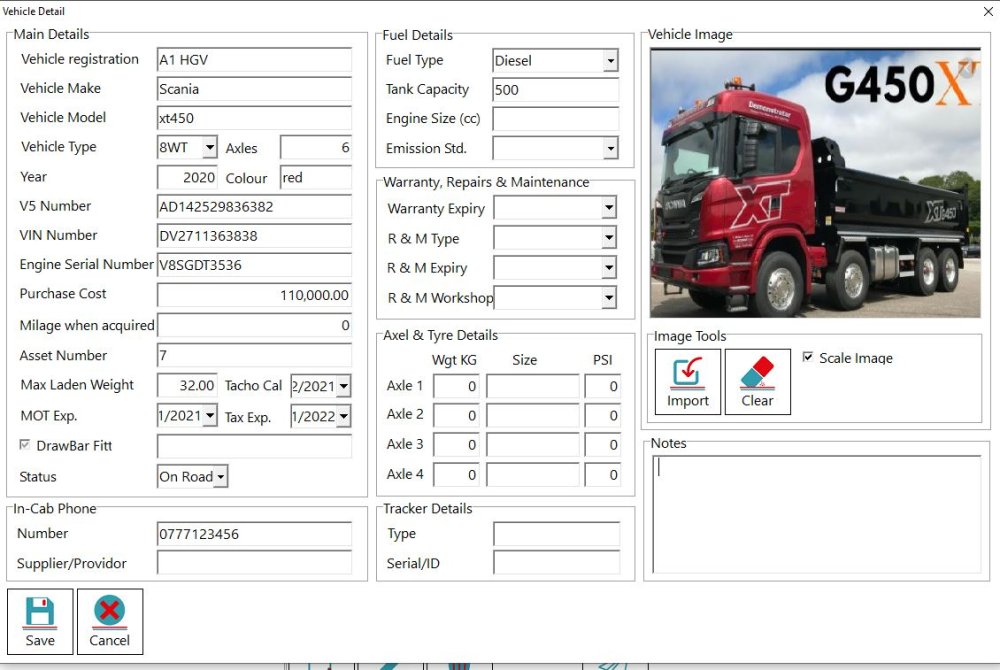
Once you’re finished click Save and the vehicle will be added to your list.
Feedback
Copyright © 2026 Midsoft
—
Powered by 
Post your comment on this topic.