
This is the Walkaround App for doing the daily vehicle checks.
Press the Walkaround App on your Tablet/Phone to launch the App
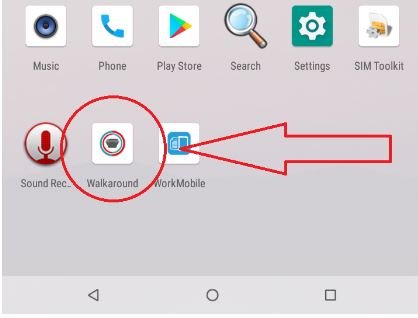
This Opens the App
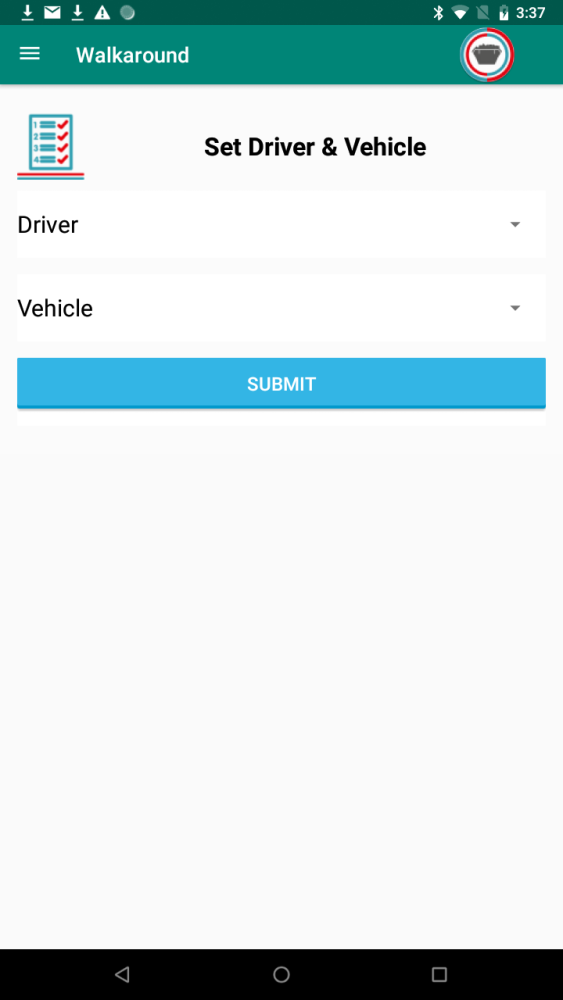
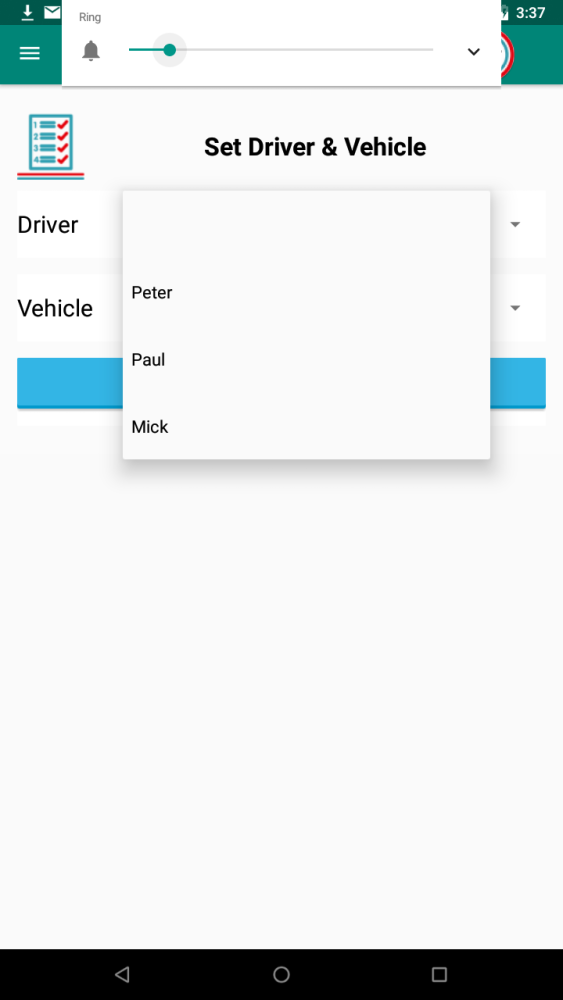
You then choose your name from the dropdown list
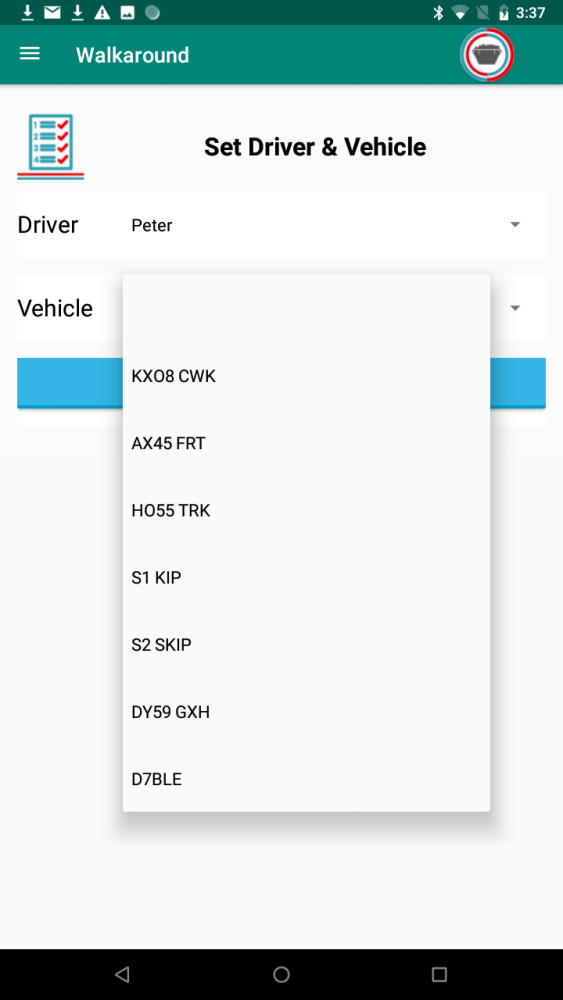
And then the registration of the vehicle you are checking
On the next screen you input the vehicles mileage.
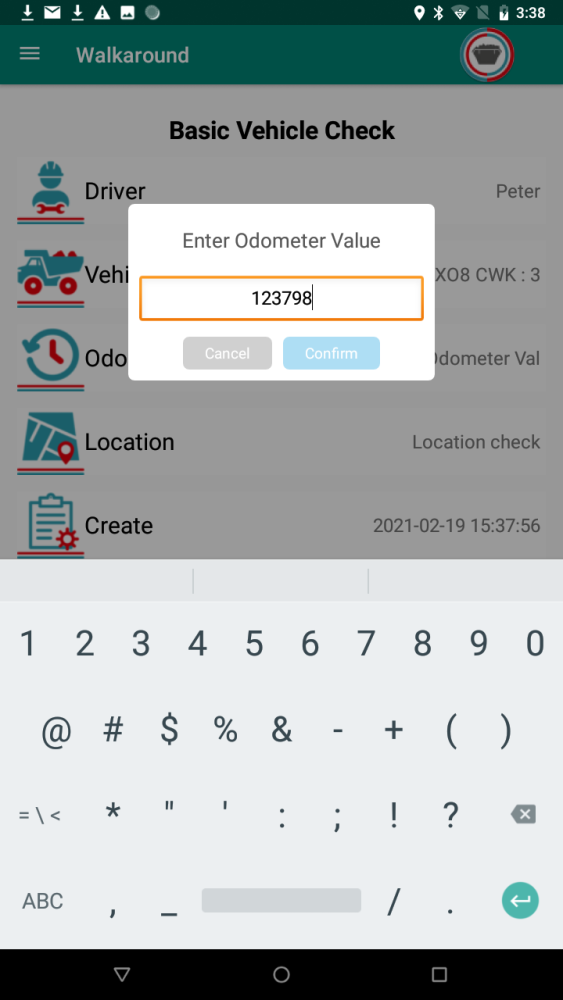
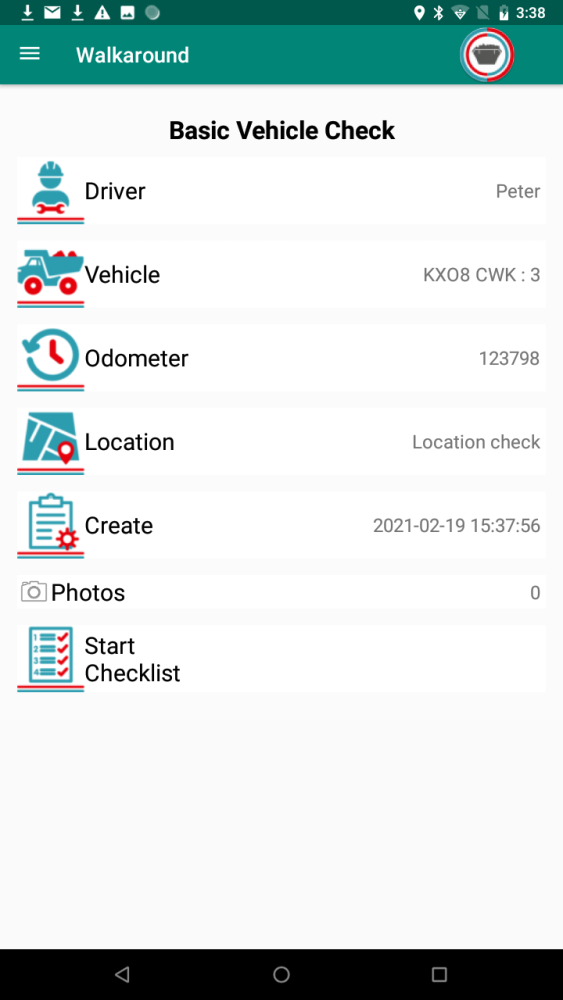
Then double check the correct name and vehicle have been selected, the system checks the location of the device and records the GPS location
so you know as an operator that the check was done with the vehicle, once everything is correct click the Start Checklist Button
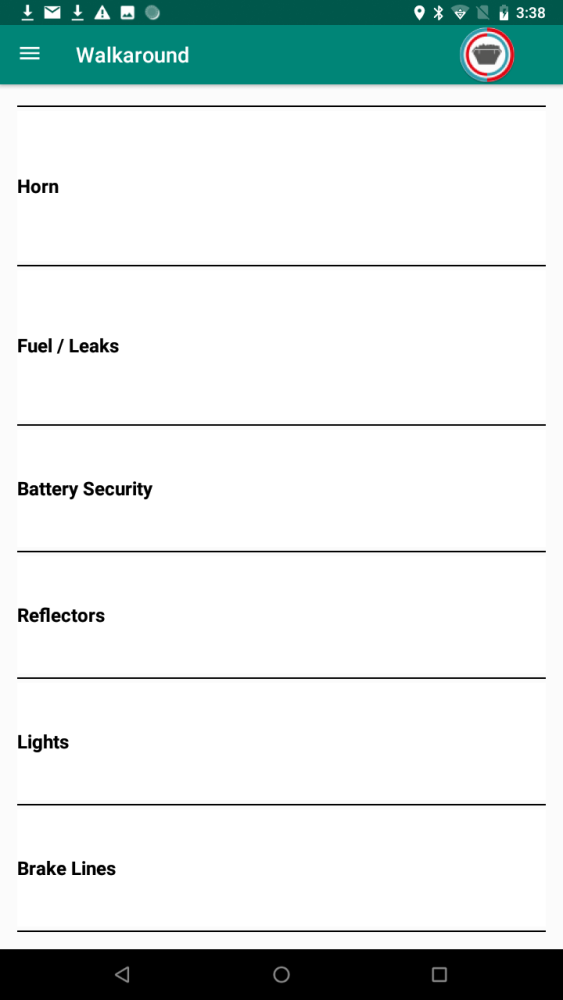
The list of items to check is now shown, click the first one
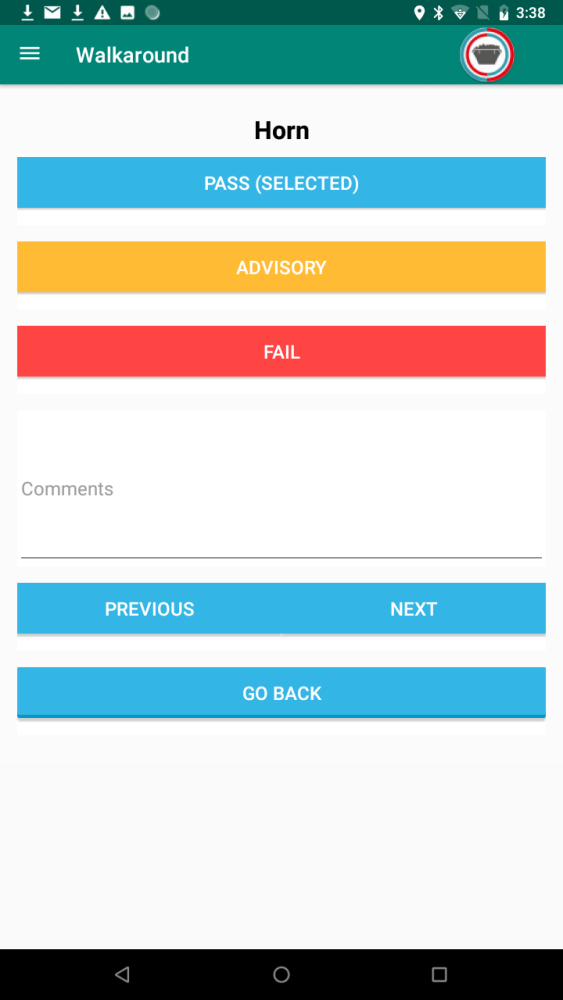
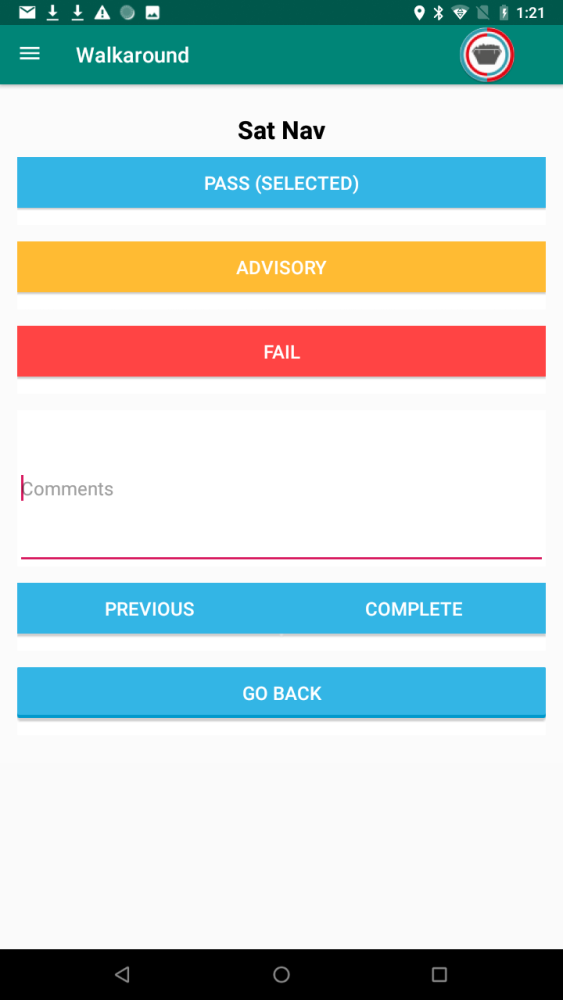
This opens up the actual check list, now click Pass, Advisory or Fail as required, the selected button turns blue when it is pressed, you can also add comments if required, perhaps the driver had a bulb out failed the walkaround but changed a bulb himself to continue etc this can be noted in the comments box once the driver is ready to move to the next item click the Next button, you can go back but you can’t change any entries, this is part of the legal requirement.
Work though the whole list, once finished press the Complete button.
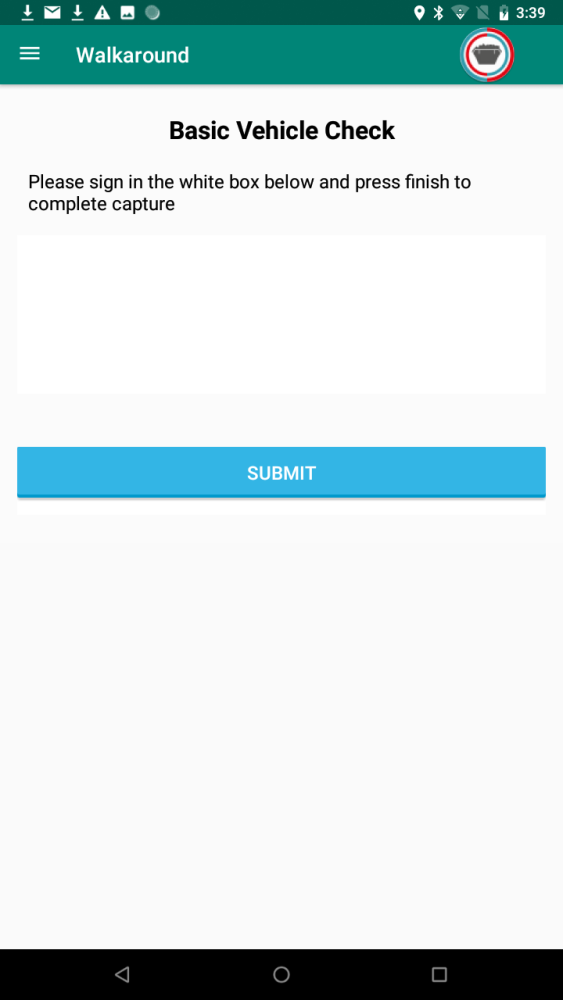
This opens a screen where the driver signs to say the walkaround check is complete
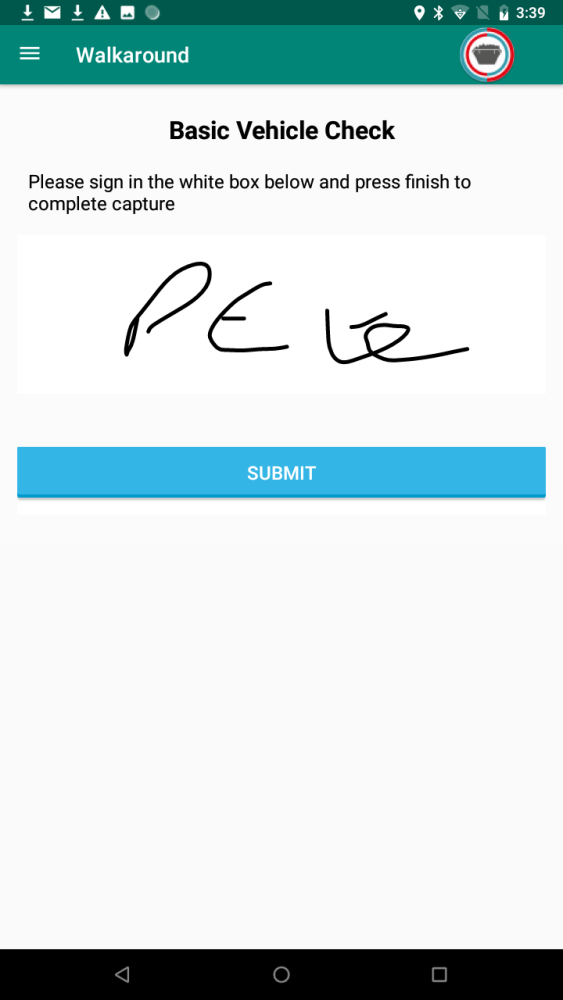
The driver signs their name and click Submit
The checklist is then sent through to FleetServe and appears in the Daily checks list.
Feedback

Post your comment on this topic.