
To Delete a vehicle click the Vehicles button at the top of the main screen.
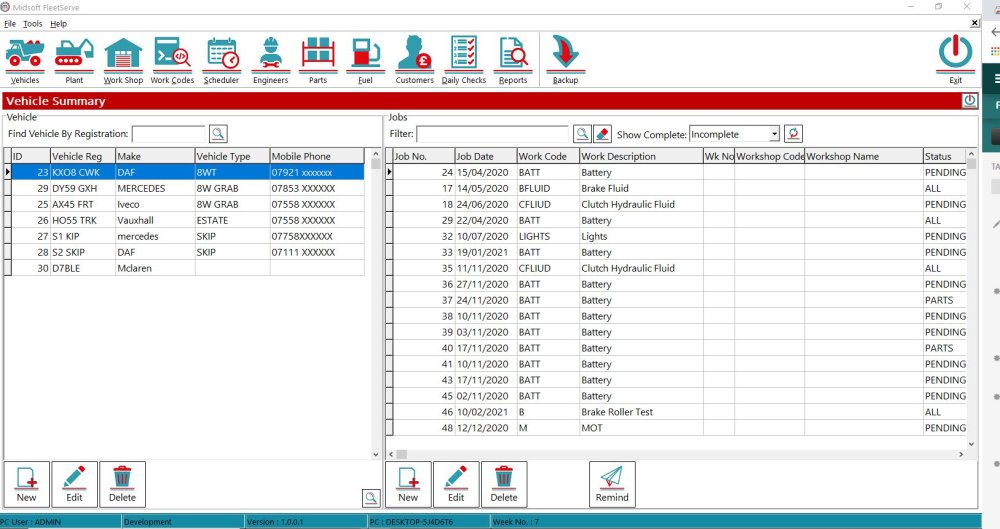
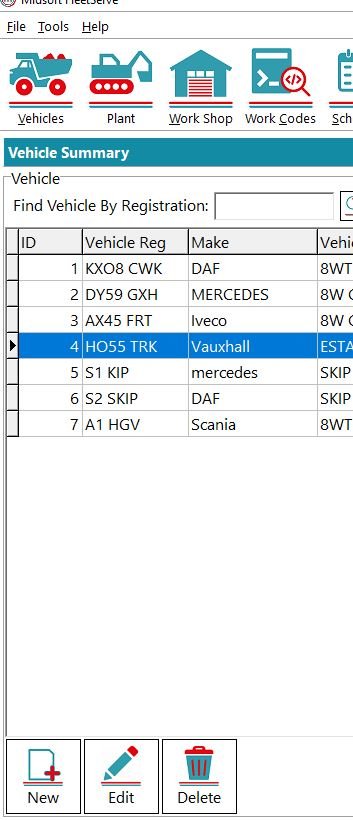
Select the vehicle you want to Delete and then click the Delete button at the bottom
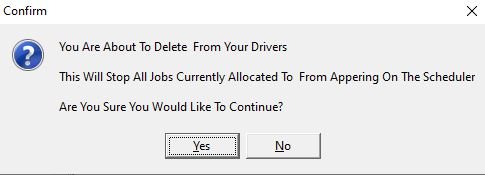
You will get a warning confirmation button, if you’re sure you need to Delete the vehicle press Yes
Feedback
Copyright © 2026 Midsoft
—
Powered by 
Post your comment on this topic.