
To view or Print a Report click the Reports button on the top menu.
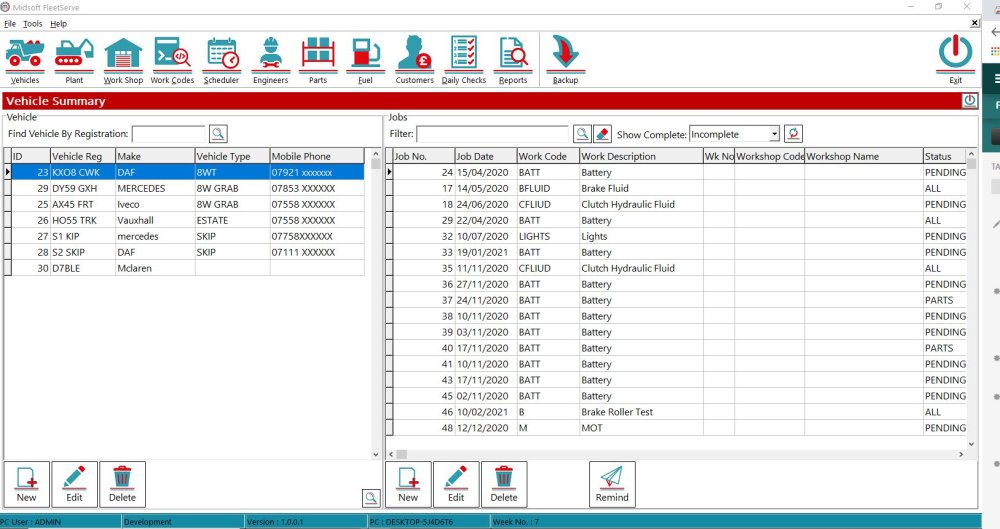
This will open the Reports window, this opens alongside FleetServe so you can have both screens on view if required
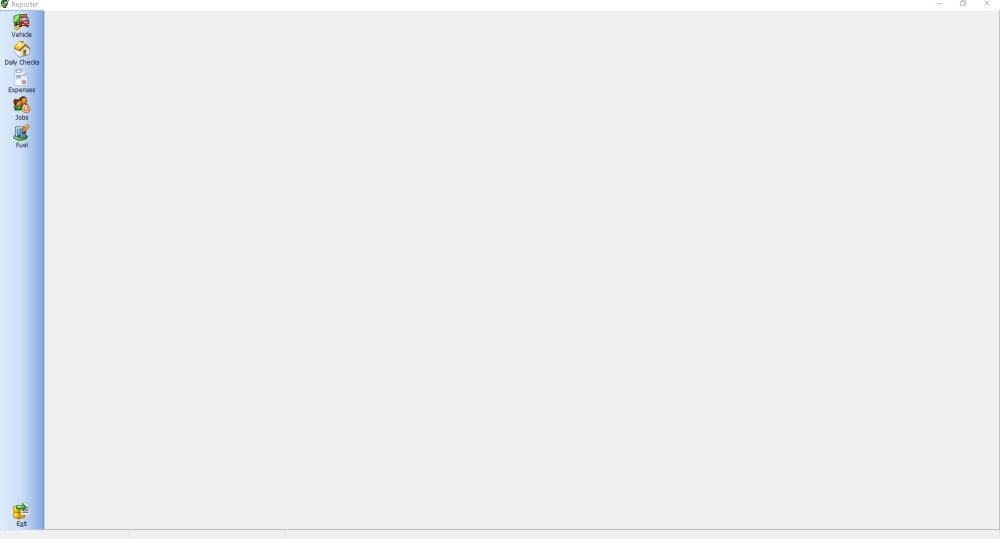
To view a Report, click the subject, in this instance it’s Fuel Costs
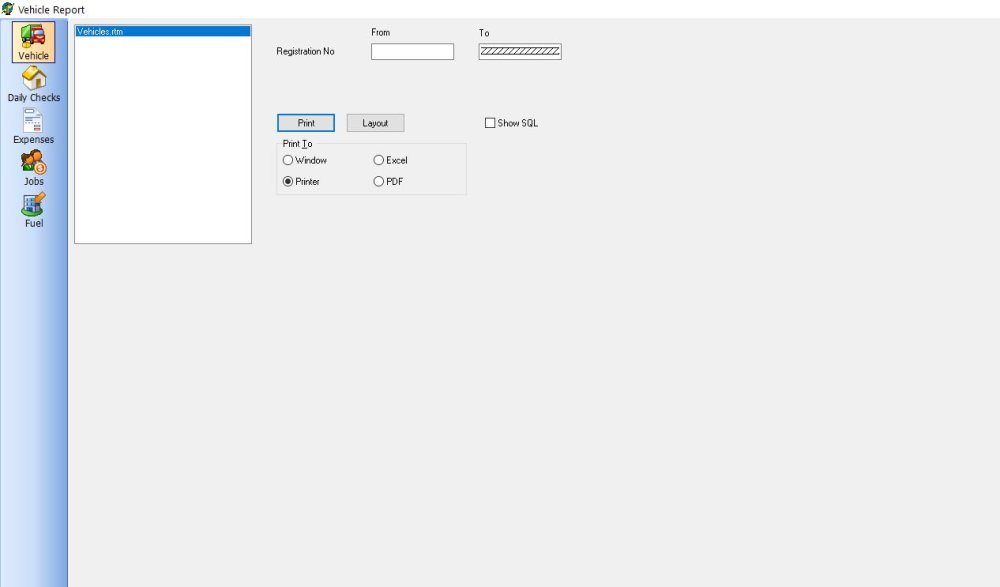
Then you can View the Report, Print the Report or email the Report, in this example I want to view it so I Print to Window
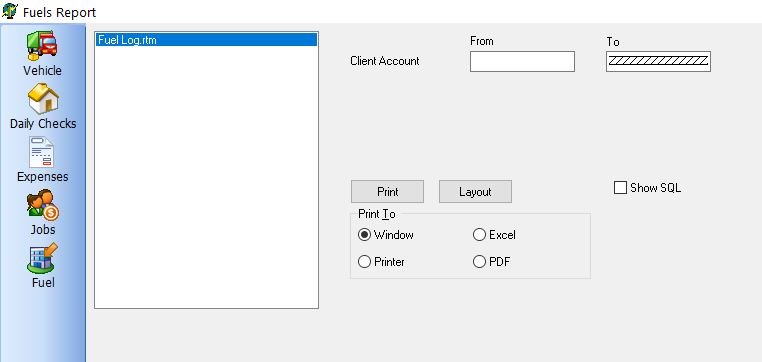
The Report is generated and appears on the screen, you can then Print or email from this screen if you want to.
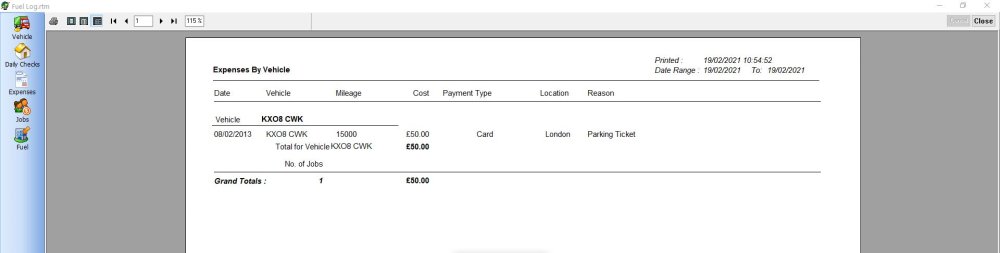
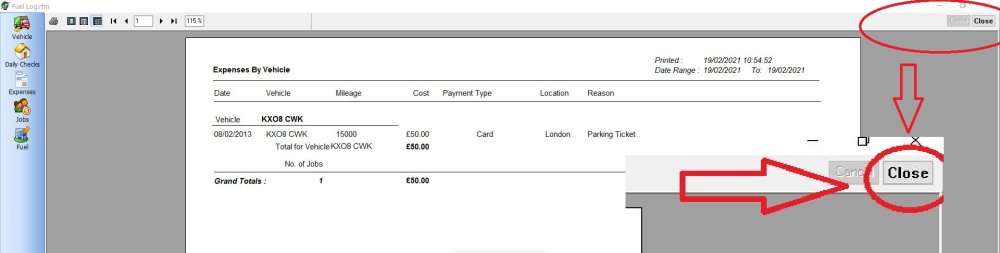
Remember to Click Close in the top right hand corner when you’re done
Feedback
Copyright © 2026 Midsoft
—
Powered by 
Post your comment on this topic.