
To add a Job click Vehicles on the top menu
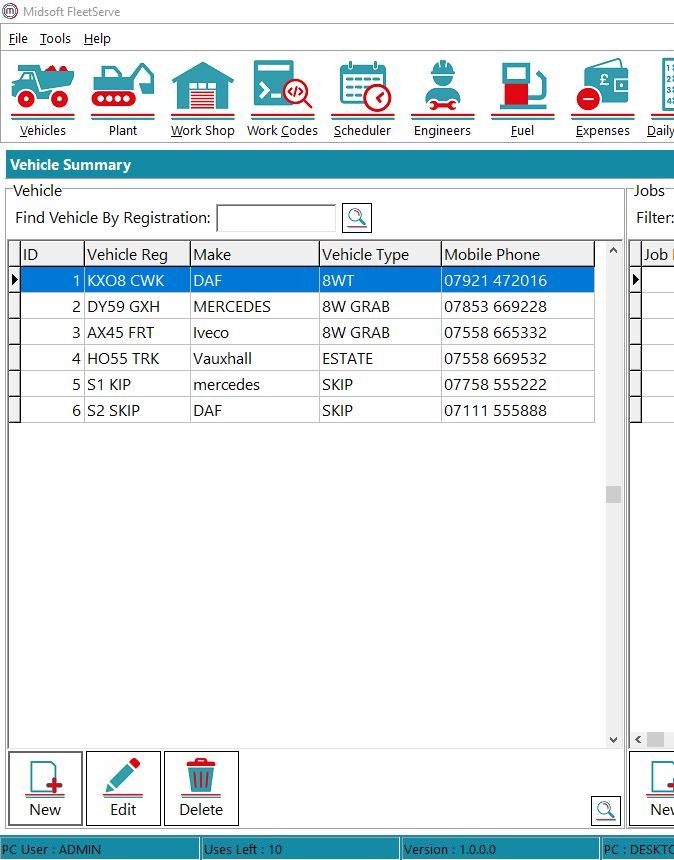
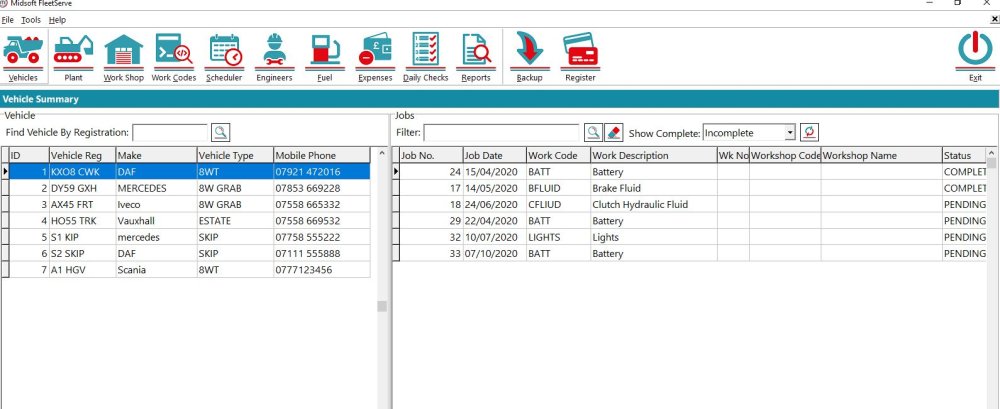
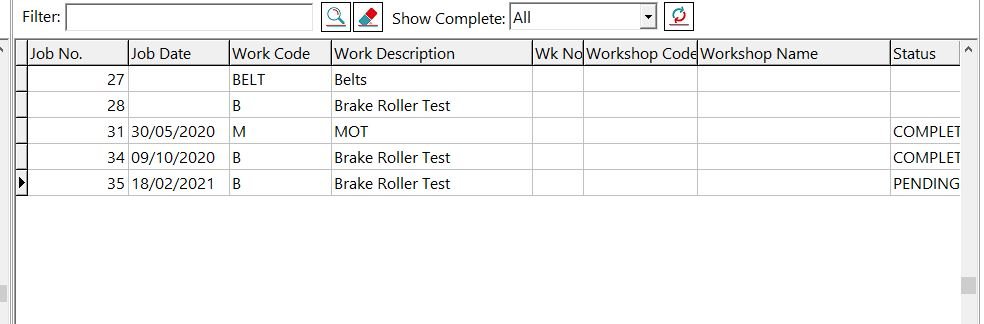
On the left part of the screen you have your list of vehicles and on the right of the screen you have the list of jobs associated with each vehicle.
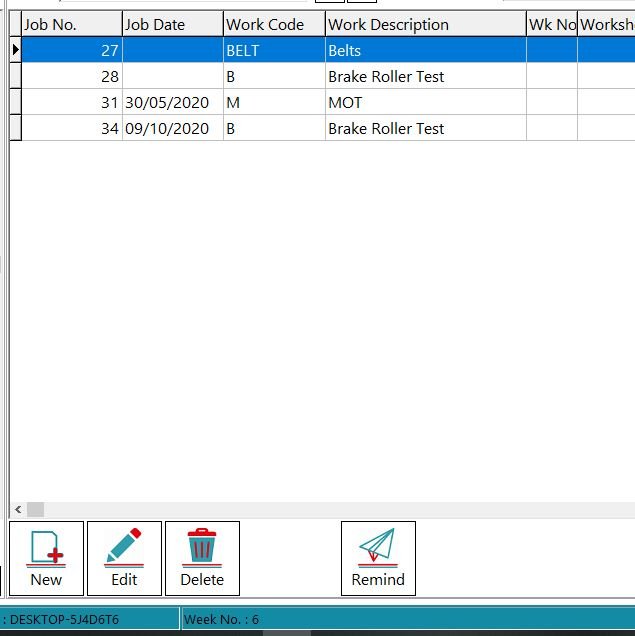
To add a job select the vehicle the job is for then on the jobs side click New.
Fill in all the details, which workshop and engineer will be doing the work, when the job is scheduled to be done, if any reminders need to be sent and how often, you or the engineer can edit the job whilst it is ben done and add any parts required and you can also log a start time and end time and input labour rates, this can be used for your own benefit to monitor costs or you can use it to raise an invoice for work done on other peoples vehicles.
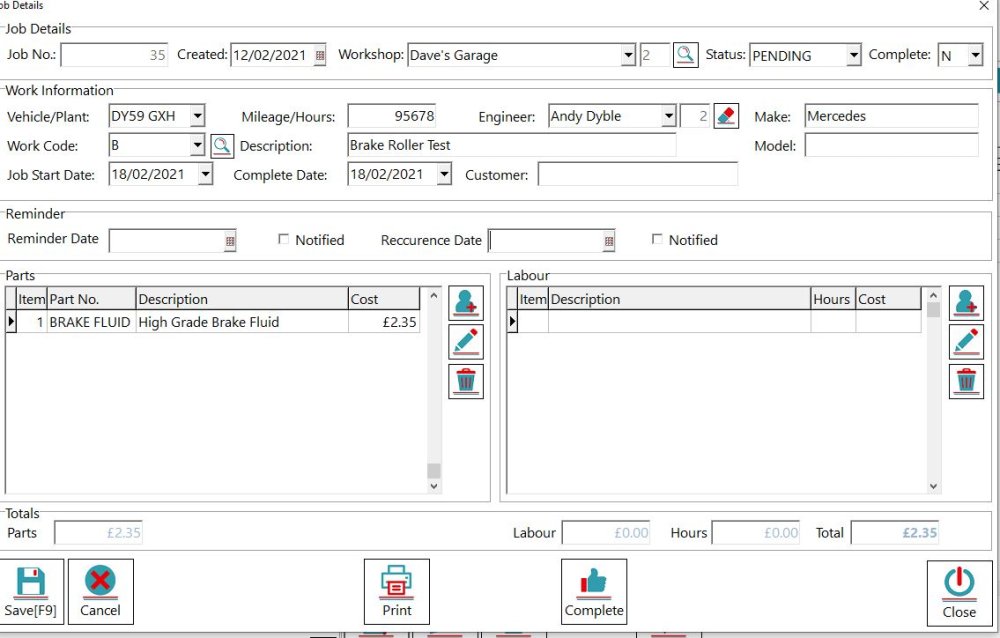
Once done click Save and the job will show up on the vehicles pending jobs.
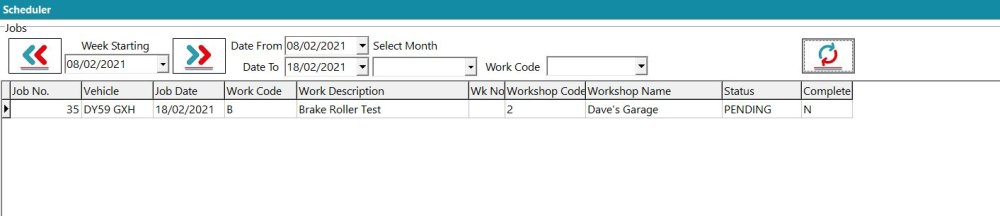
And also on the scheduler
Feedback

Post your comment on this topic.