
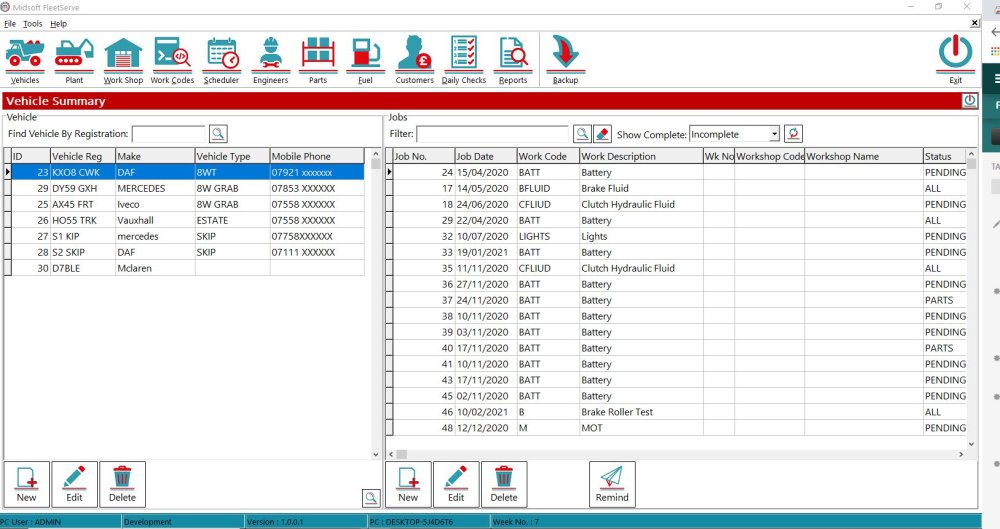
To Delete a part in your parts list click the Parts button on the top menu
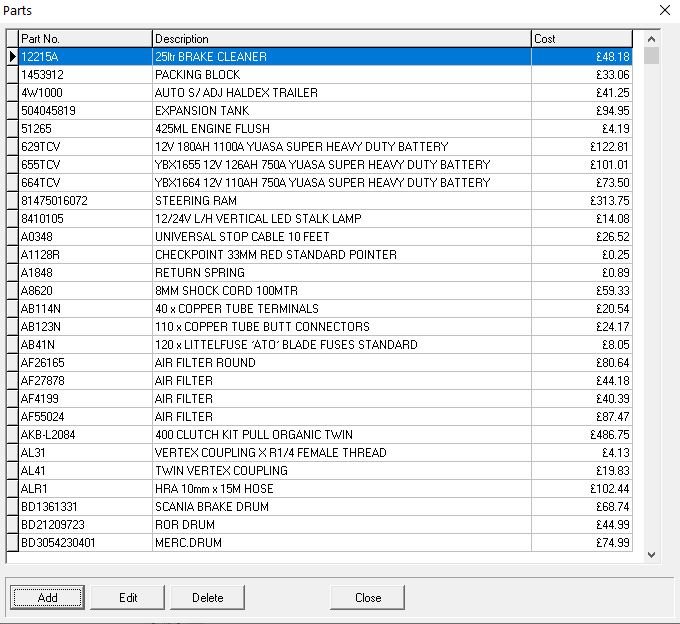
This opens up your parts list
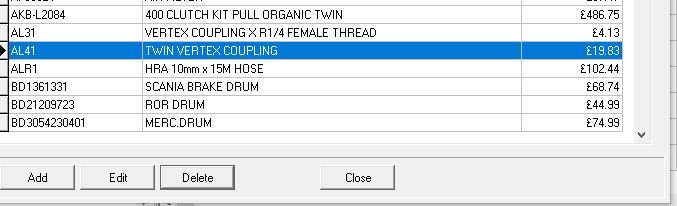
Then select the Part you wish to Delete and click the Delete button.
There is a warning second check so you don’t accidentally delete an item.
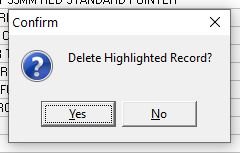
If you’re sure click Yes and the part will be removed from the Parts list.
Feedback
Copyright © 2026 Midsoft
—
Powered by 
Post your comment on this topic.