
Invoices are created in one of two ways.
Directly from the Job or manually in invoices.
To create an invoice from a Job click Jobs on the Top menu

This will open a jobs page
!https://manula.r.sizr.io/large/user/14017/img/roadtrak-job-001a.jpg
Find the job you want to create the invoice for and edit it
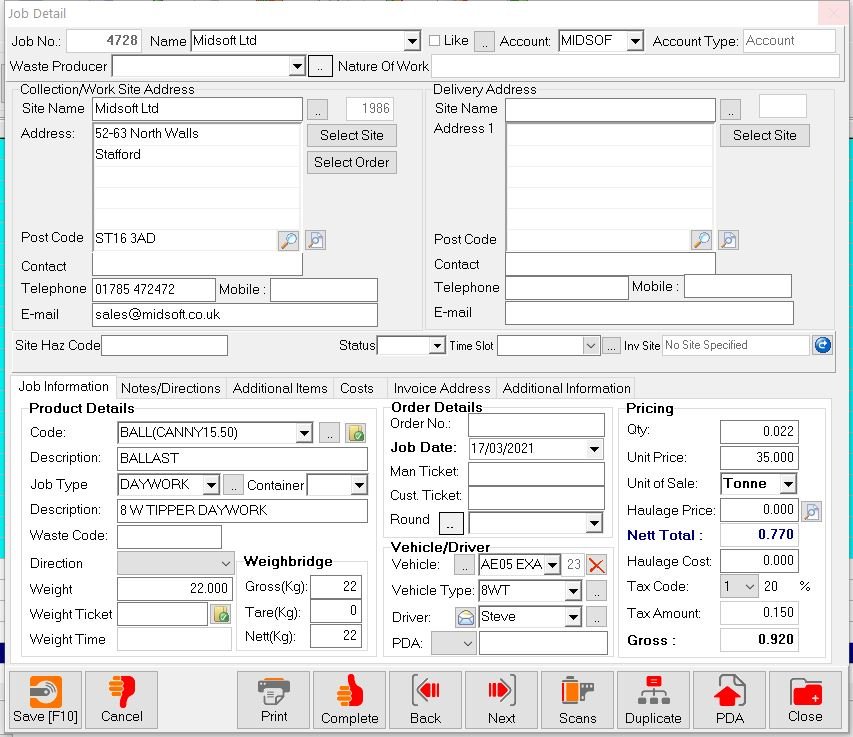
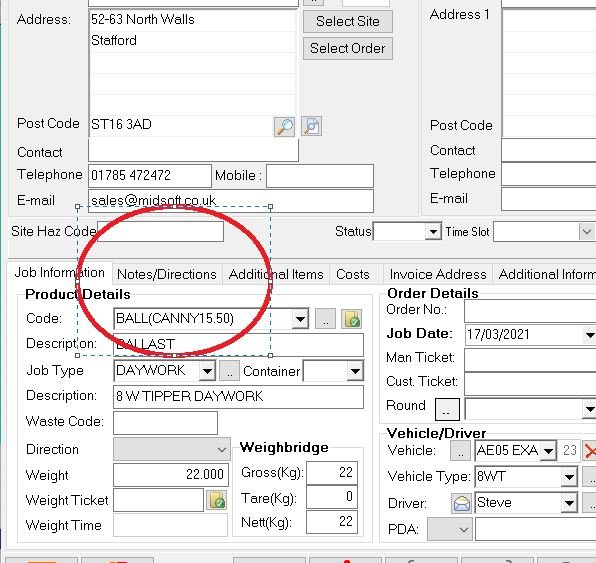
choose the Notes/Directions Tab
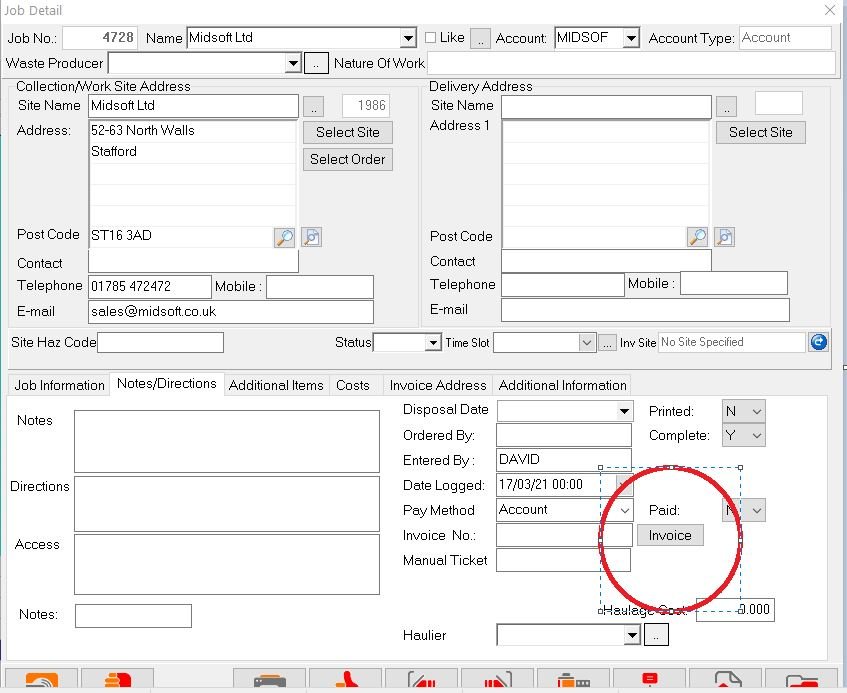
Then click the Invoice button on the Notes/Directions screen
You get a little pop up box asking if you want to create an invoice
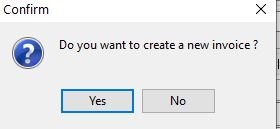
Click Yes and an invoice is produced
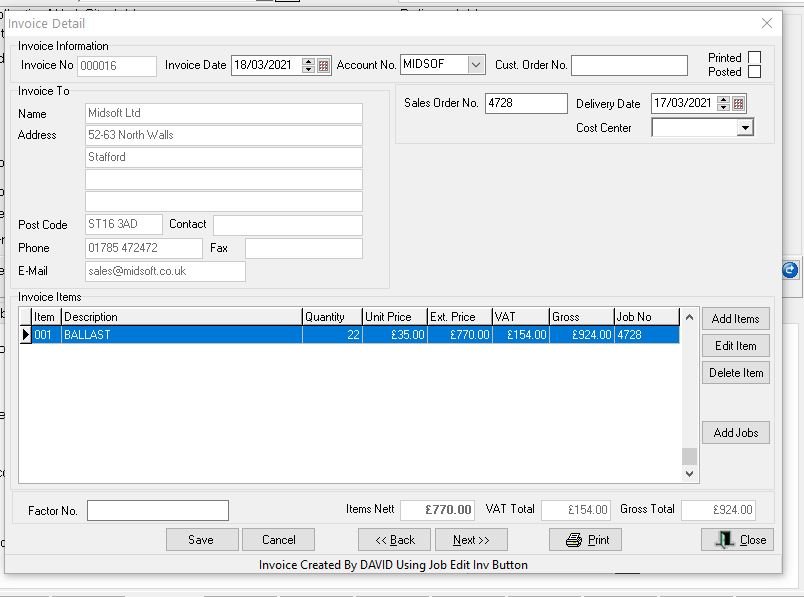
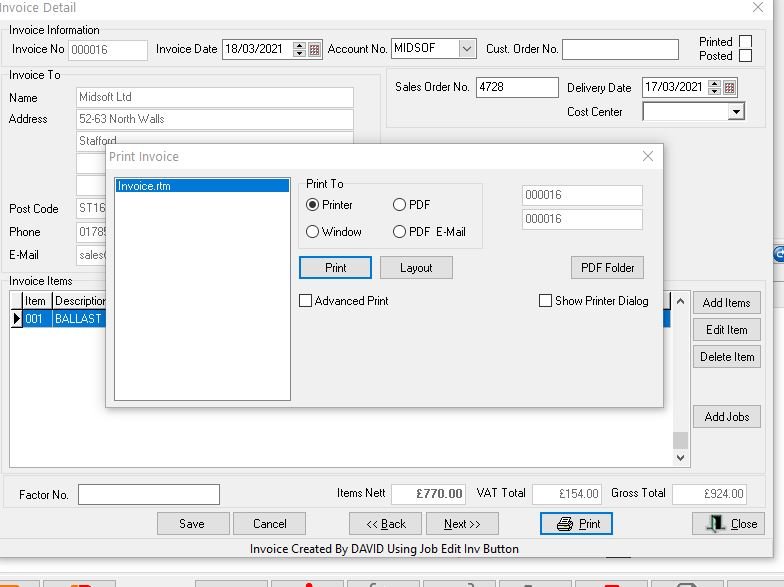
Check everything is correct on the invoice, and then you can print or email it directly or just save it for batch printing later in the day
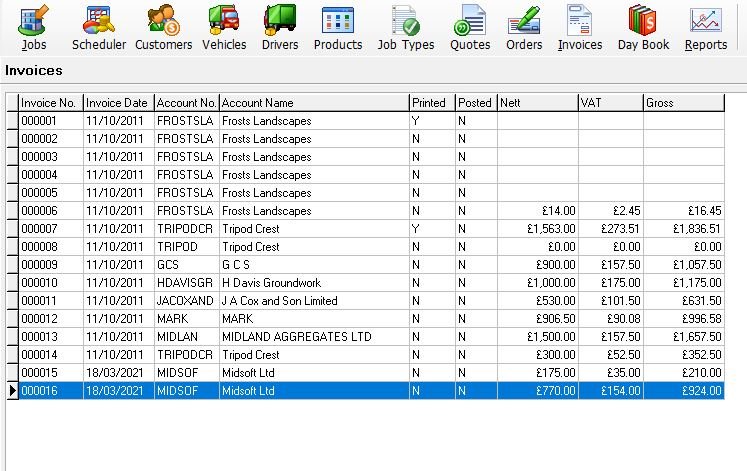
The invoice then appears in your invoice list
To create an invoice manually go to Invoices on the top menu.
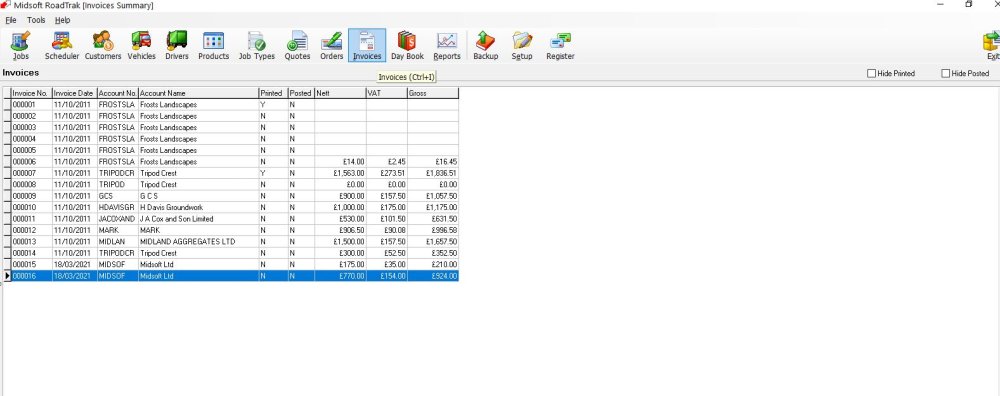
This opens up the Invoice window, click Add at the bottom

This opens up the new invoice window
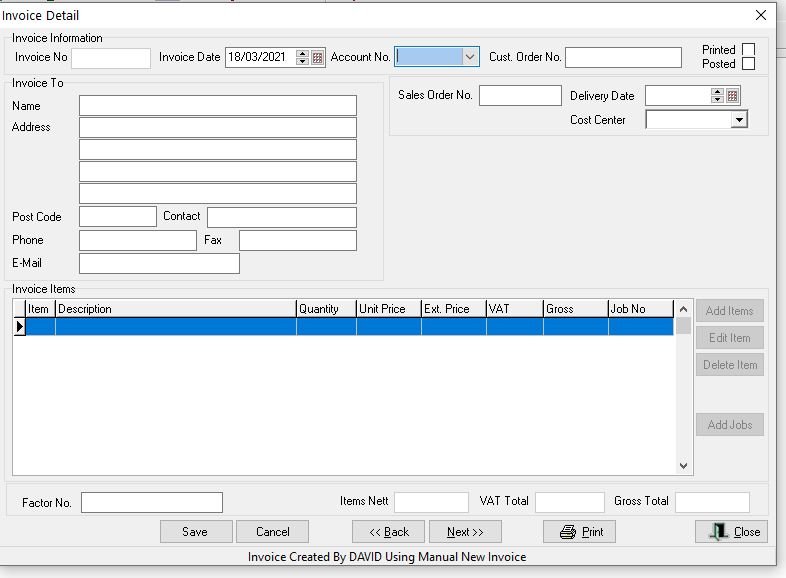
Fill in the relevant fields click Save and then click Add items, again fill in all the required parts.
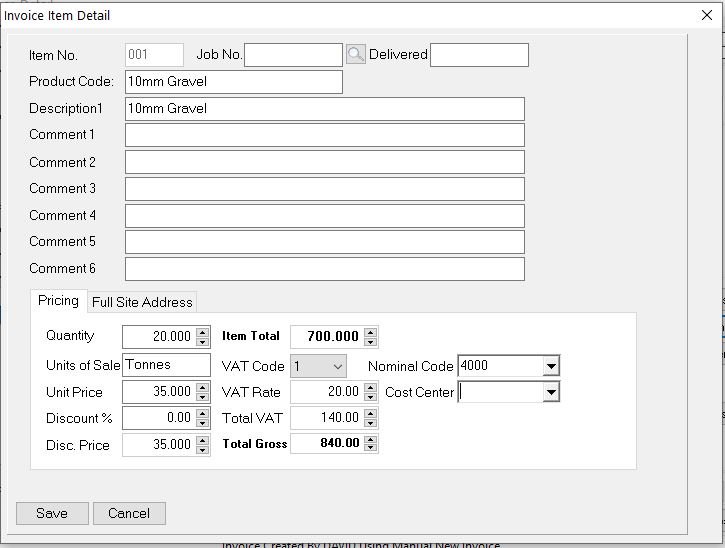
If there is more than one item on the invoice repeat adding items.
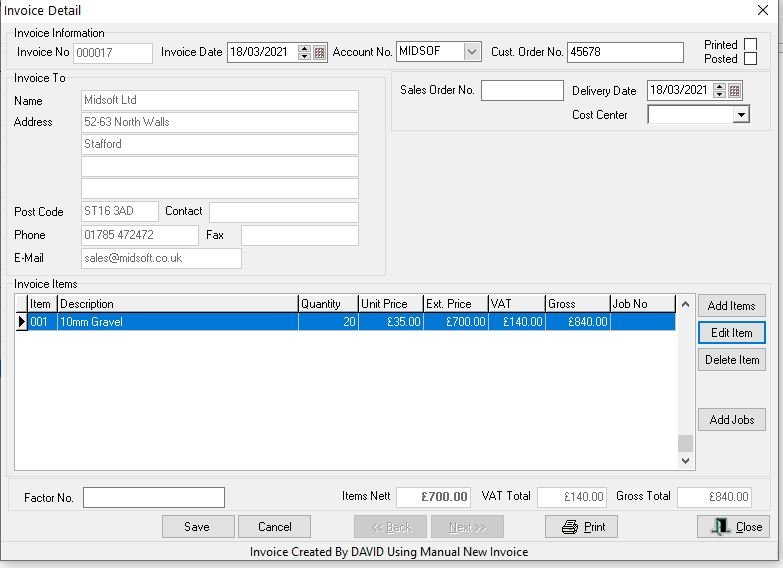
Click Save and then print or email the invoice or close if you want to batch print later
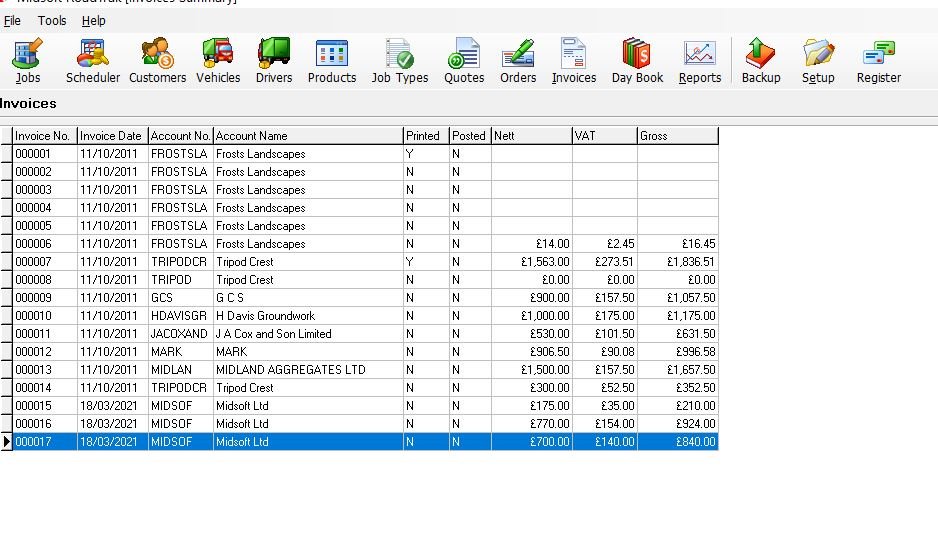
This adds the invoice to your invoice list.
Feedback

Post your comment on this topic.