
To Edit a job type click Job Types on the top menu

This Opens the Job Types window
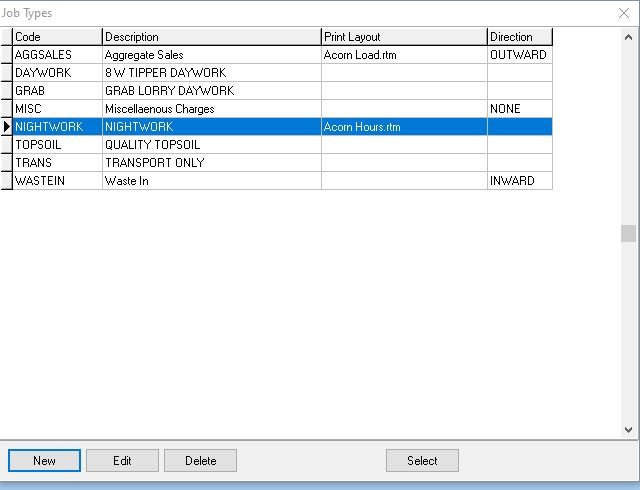
Select the Job Type you want to edit
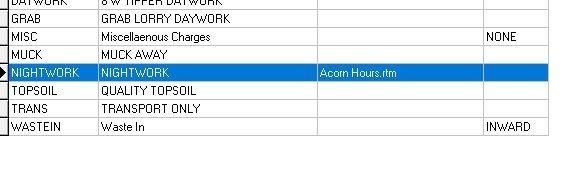
Either double click the entry or select and click edit

This opens up the selected job
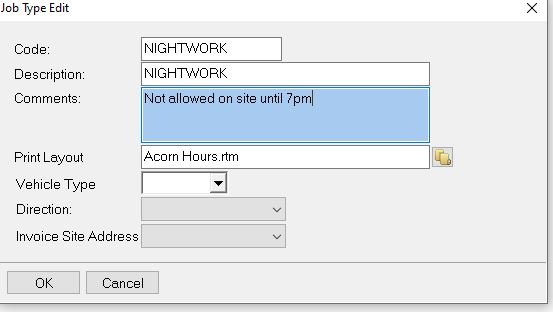
Make any changes and then click OK to save
Feedback
Copyright © 2025 Midsoft
—
Powered by 
Post your comment on this topic.