
To batch print your invoices go to Invoices on the top menu.

This opens up the Invoice window.
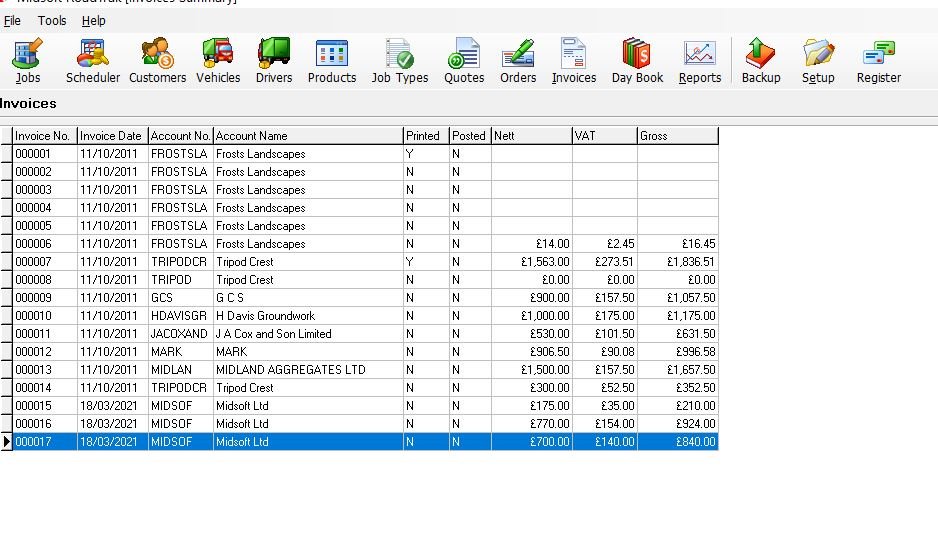
Click the Batch Print button

This opens a window showing all available invoices for printing
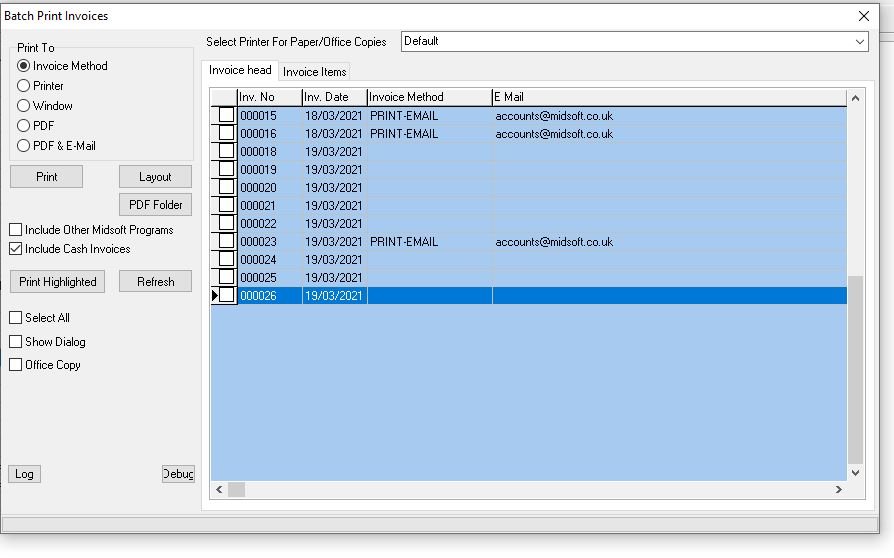
You can select how you print the invoices, the default is “Invoice Method” this is selected within the individual customer page, you can choose between hard copy for postage or email copy, when you click print customers who require hard copies will be sent to the printer and customers who want emailed copies will be sent an email, email customers get any related POD’s, weighbridge tickets and photos attached to the email also.
Feedback
Copyright © 2025 Midsoft
—
Powered by 
Post your comment on this topic.