
To add a customer click the Customer button on the top menu

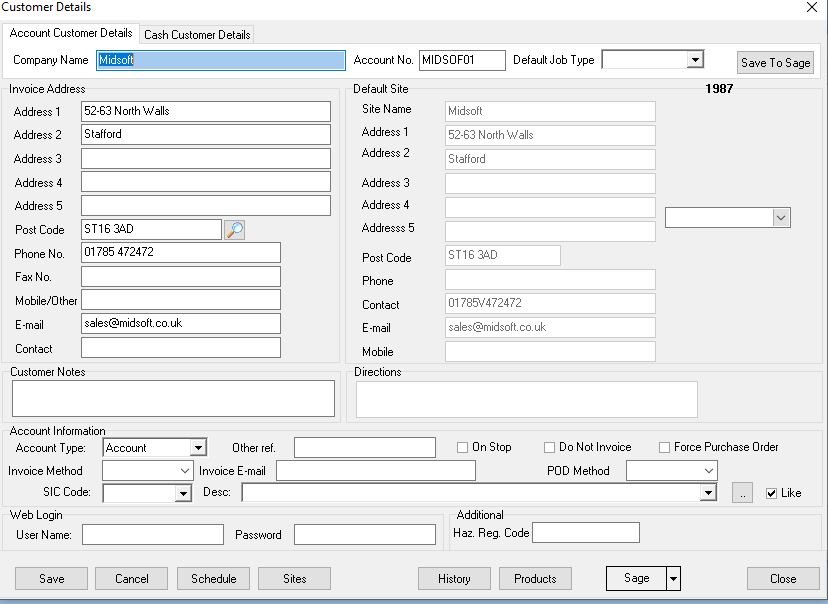
This opens up the Customer window
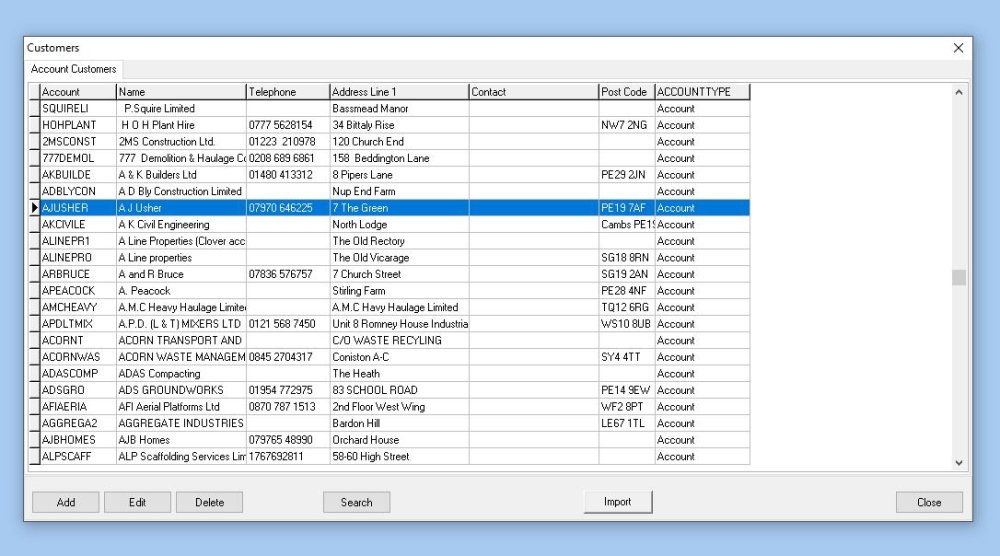
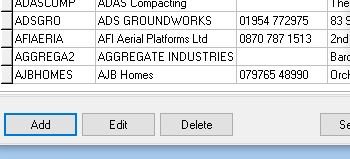
Click Add on the bottom menu
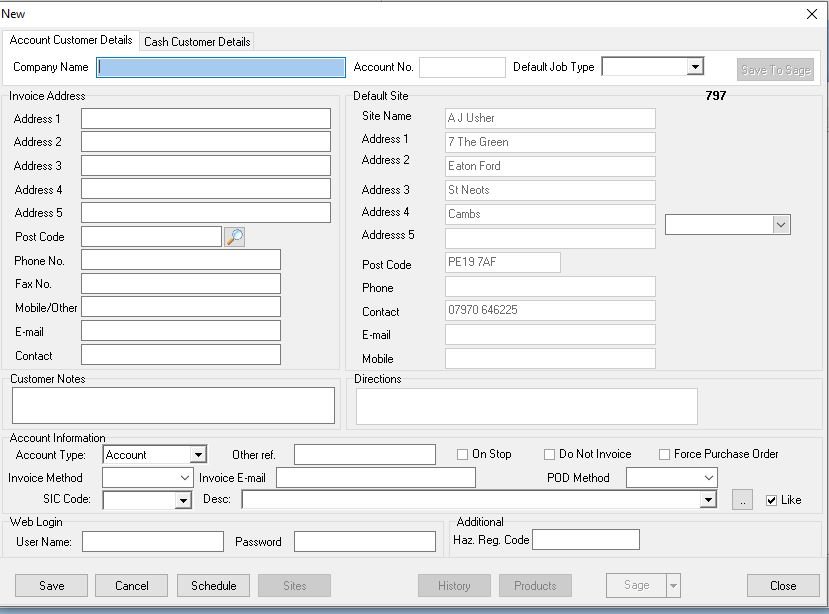
Fill in the details and click Save
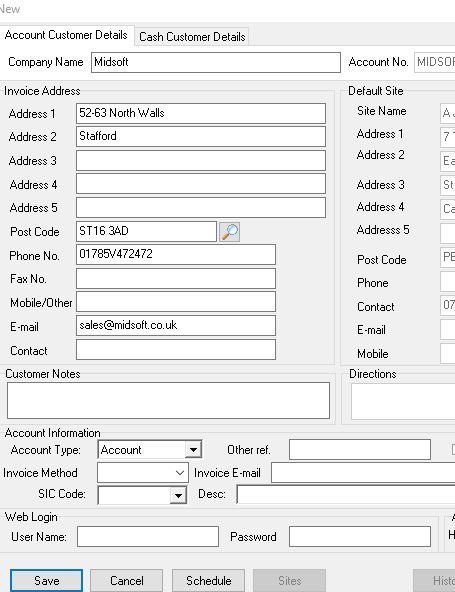
The system then asks if you want to use the main address as a site
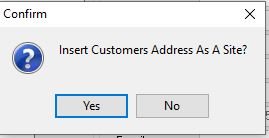
Click Yes and RoadTrak will add the address in.
Feedback
Copyright © 2025 Midsoft
—
Powered by 
Post your comment on this topic.