
To Open a Quote click Quotes on the top menu.

This opens the Quotes window.
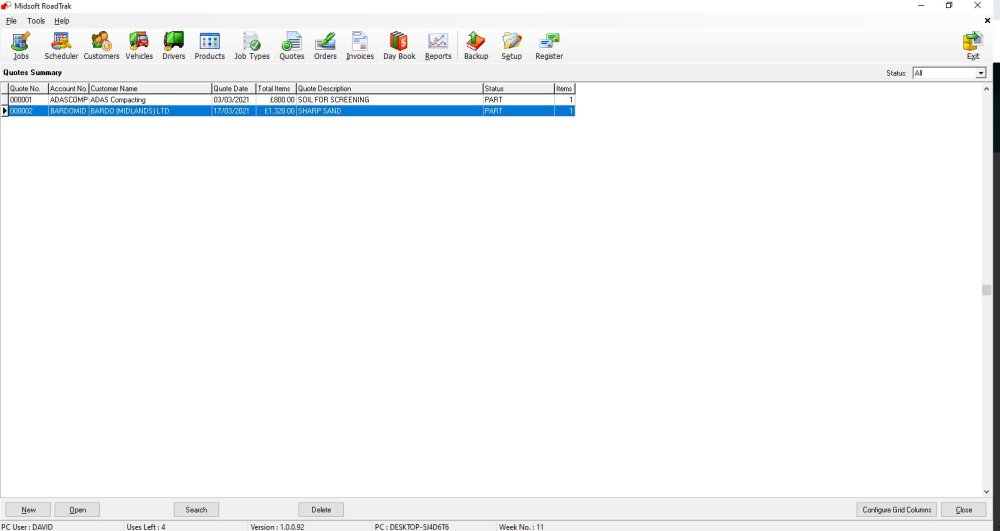
Select the quote you wish to open.
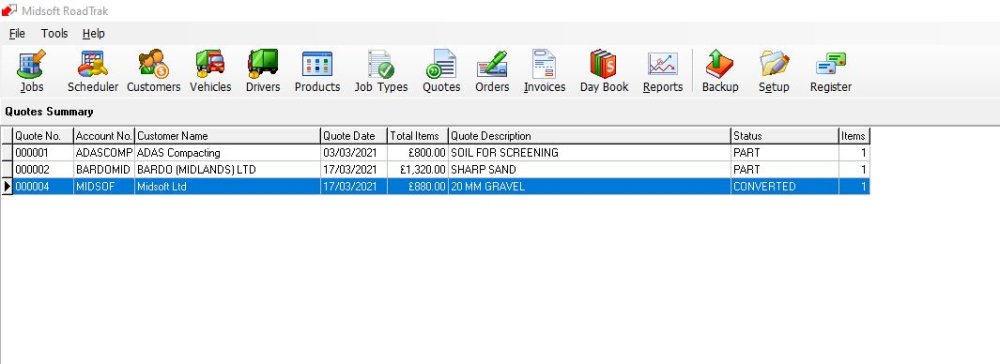
And either double click the item or highlight it and select Open

This opens the selected Quote screen
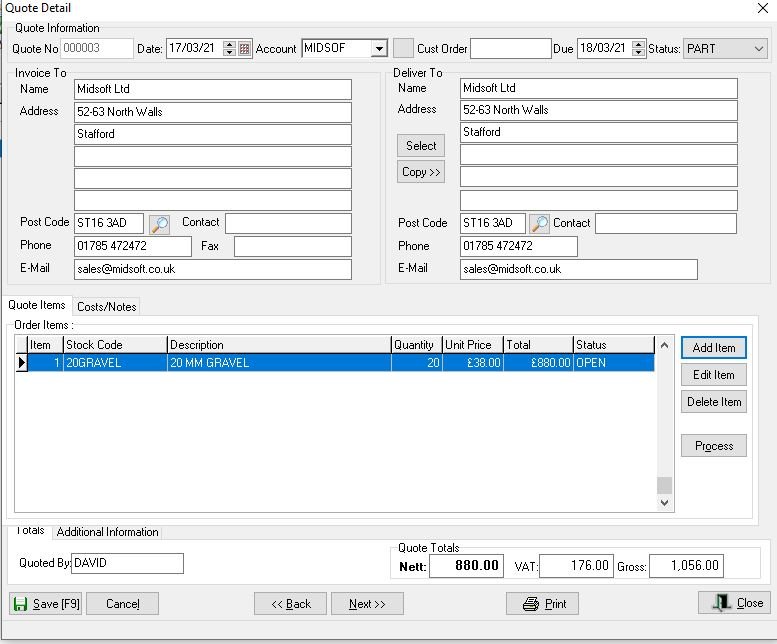
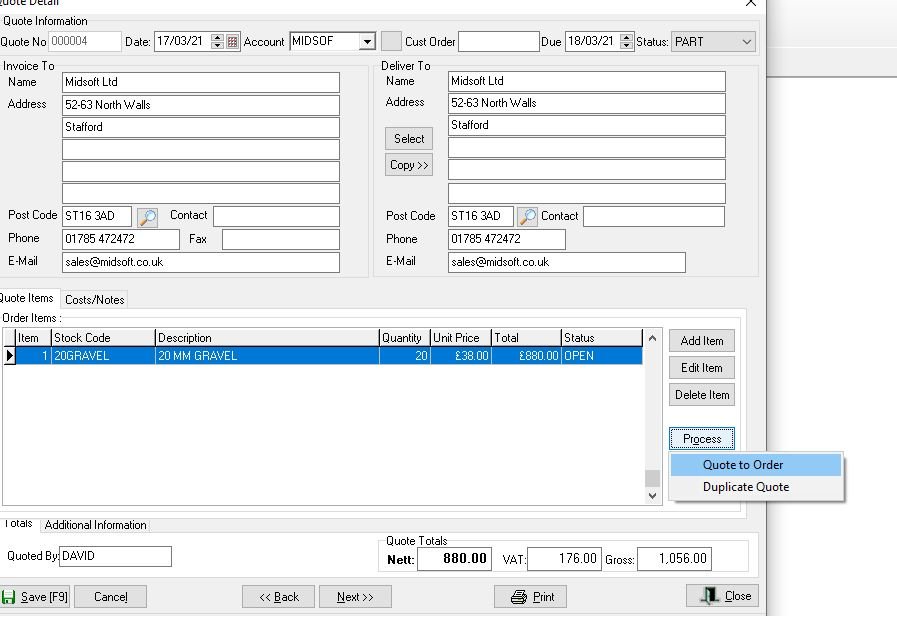
Make any changes or if you have an Order off the customer you can turn the quote in to an order, to do this click the Process button
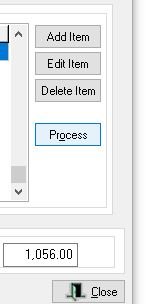
Then Select Process to Order from the drop down list
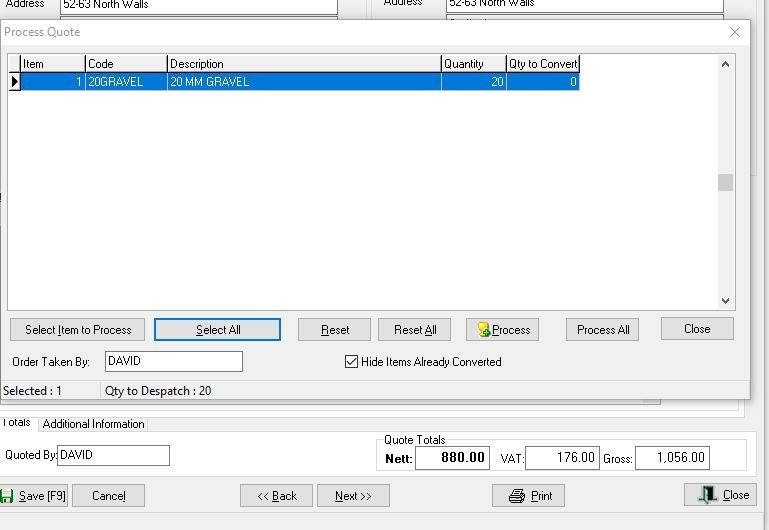
This opens a screen where you can select which items you want to add to the order in this case I selected Select All
Then you select the items to Process, I selected Process All
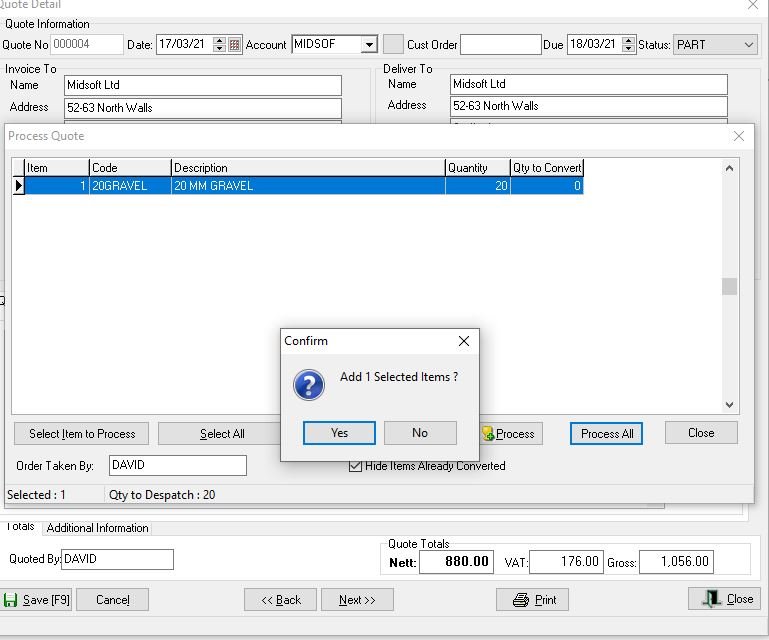
The system checks you want to add the selected items, click yes and the order is created
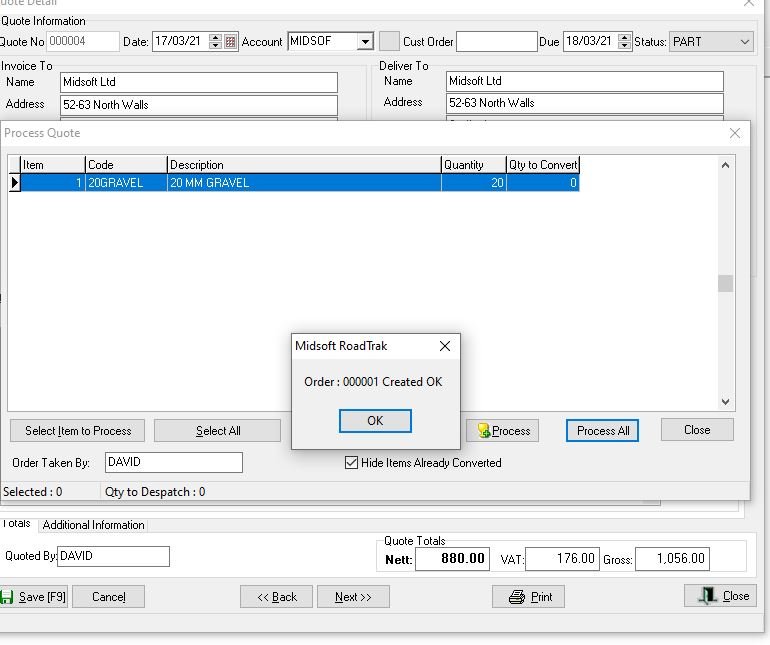
The item then appears in the Orders screen.
Feedback
Copyright © 2025 Midsoft
—
Powered by 
Post your comment on this topic.