
Here you can quickly back up and restore your data, we recommend you also use an offsite back up service, we can put you in touch with our recommended partner if you don’t know any, contact tech support at support@midsoft.co.uk.
Click Back Up om the top menu

This opens the back up window
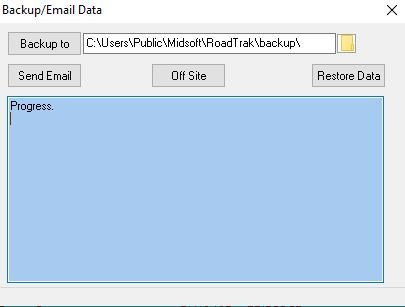
Select how and where you wish to back up use the little folder icon to the right of the address line.
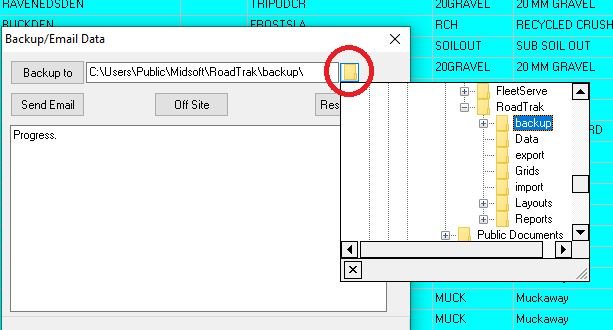
I chose my desktop just for an example, if you have a usb flash drive you can plug that in and choose that then you can take the back up off site as added security
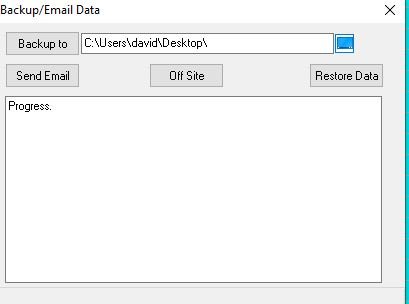
Click the Back Up To button
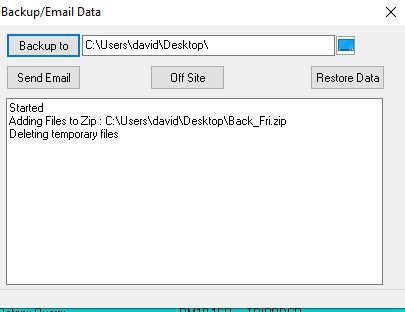
RoadTrak then backs up your data to the selected destination.
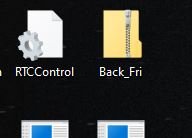
When its completed the folder with the data is shown in the destination
Feedback
Copyright © 2025 Midsoft
—
Powered by 
Post your comment on this topic.