
To adjust the stock levels of a Product using the Adjust In / Adjust Out, click Products on the top menu.

This opens the Products Window.
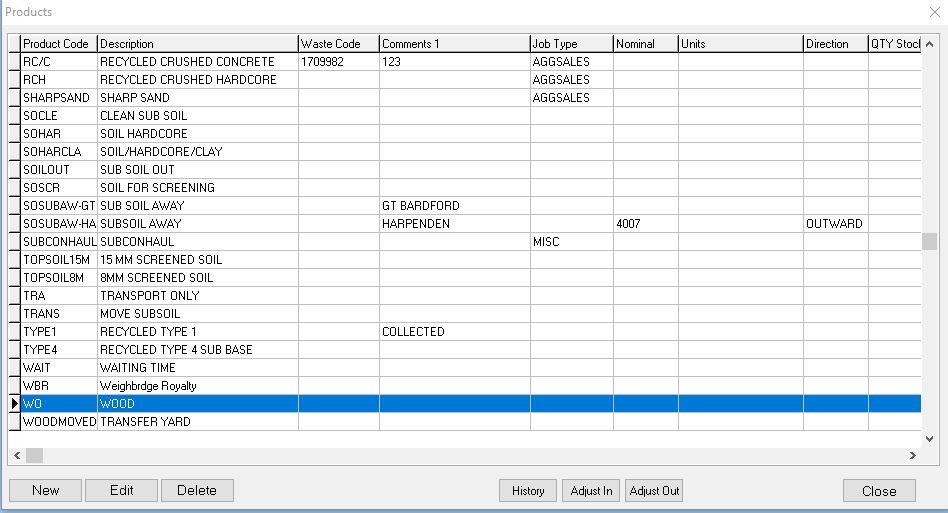
Select the Product you wish to adjust
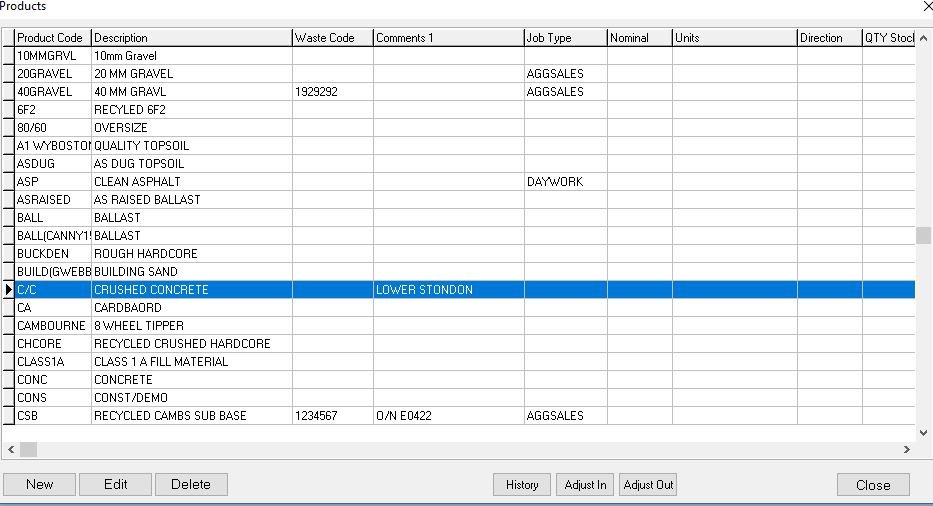
And click the either the adjust In for increasing stock or Adjust Out for reducing it.

Make the adjustments
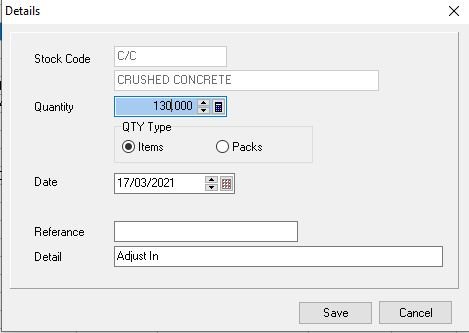
And click Save to finish, to adjust out its the same procedure just use the Adjust Out button.
Feedback
Copyright © 2025 Midsoft
—
Powered by 
Post your comment on this topic.