
To add a new order click Orders on the top menu

This opens the orders window
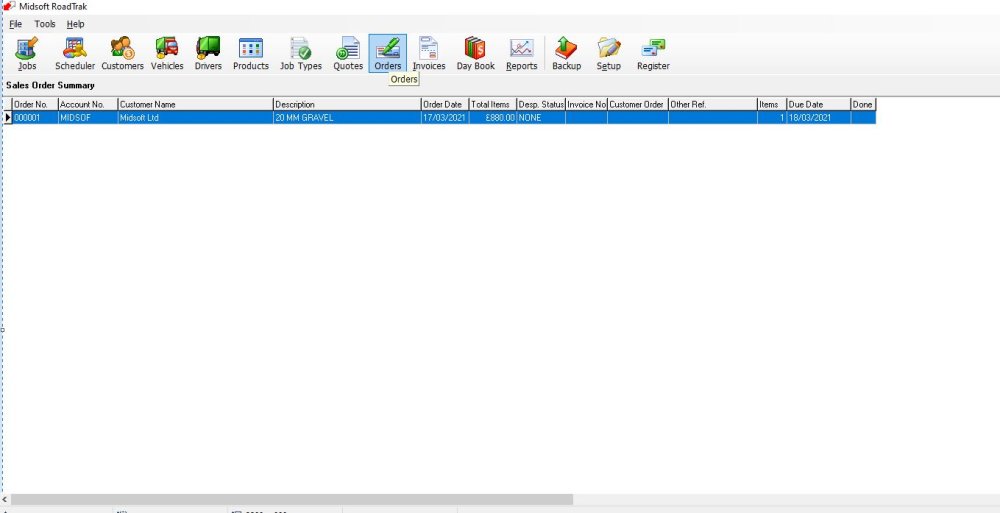
Click New in the bottom menu

This opens a New Order window.
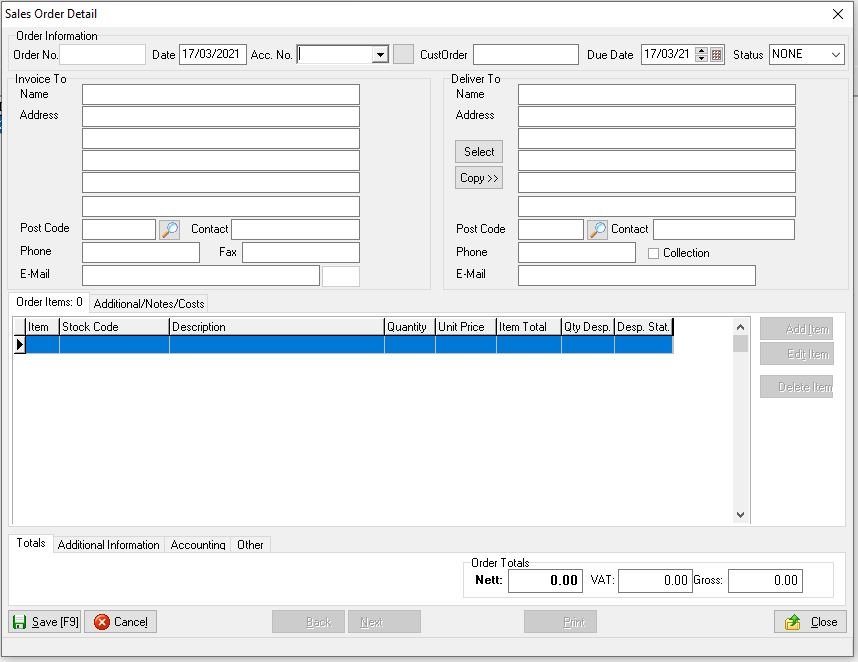
Fill in the details of the customer and then the items they have ordered check prices and quantities and also if required you can enter your cost prices.
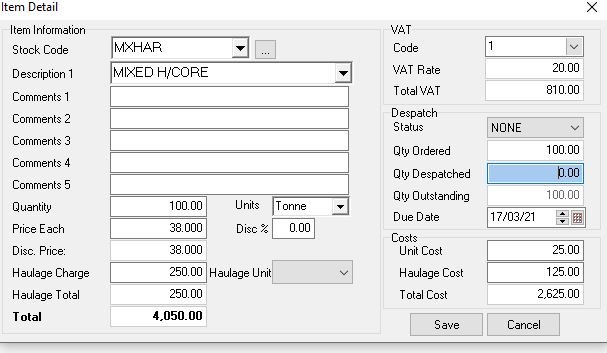
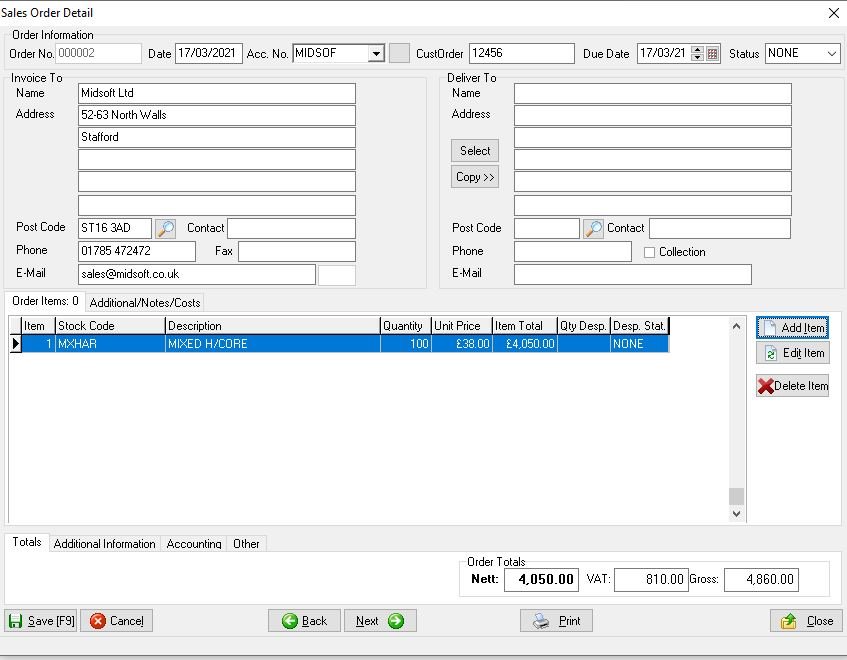
Click Save and the order screen is populated, if required add extra items or print the order in hard copy or to email for sending to the customer as an acknowledgement when finished click Close.
Feedback
Copyright © 2025 Midsoft
—
Powered by 
Post your comment on this topic.