
To Delete a job type click Job Types on the top menu

This Opens the Job Types window
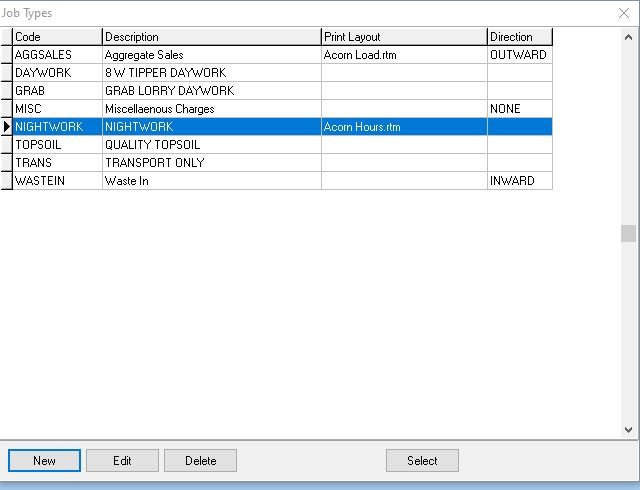
Select the Job Type you want to Delete
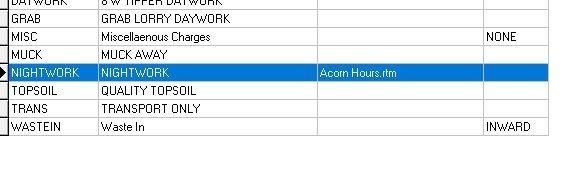
Then click the Delete button

There is a check built in to stop you accidentally deleting a Job Type
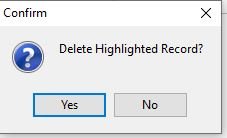
If you’re sure you want to Delete the record click Yes
Feedback
Copyright © 2025 Midsoft
—
Powered by 
Post your comment on this topic.