
To create a Quote click Quotes on the top menu.

This opens the Quotes window.
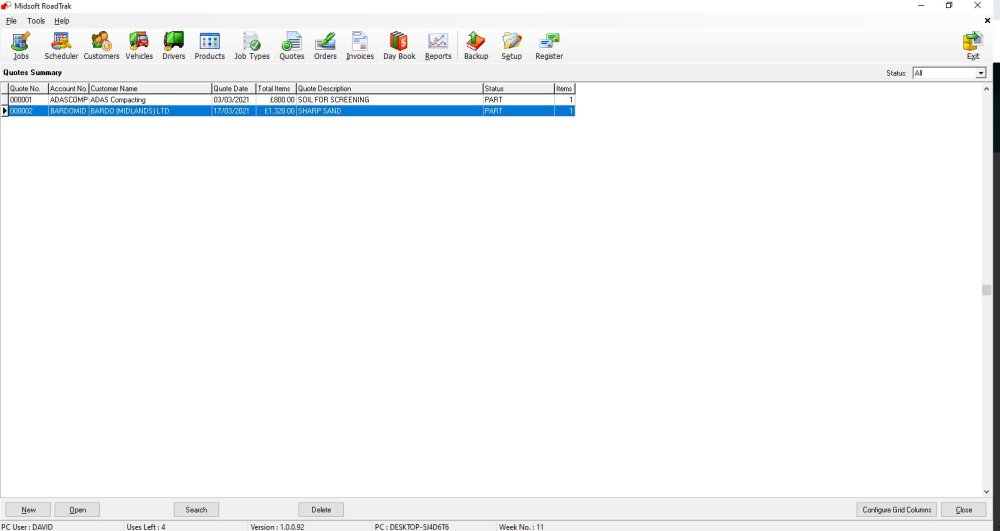
Click New on the bottom menu

This then opens a new quote window
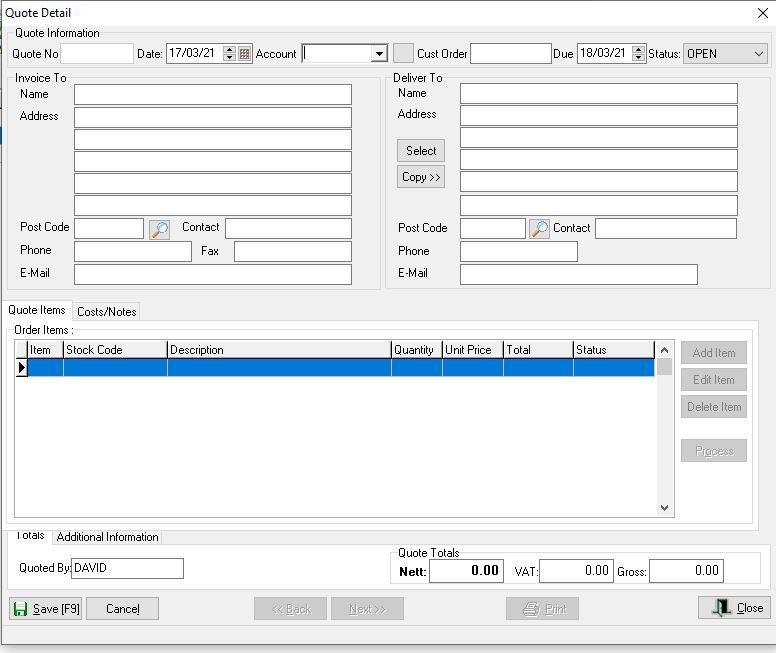
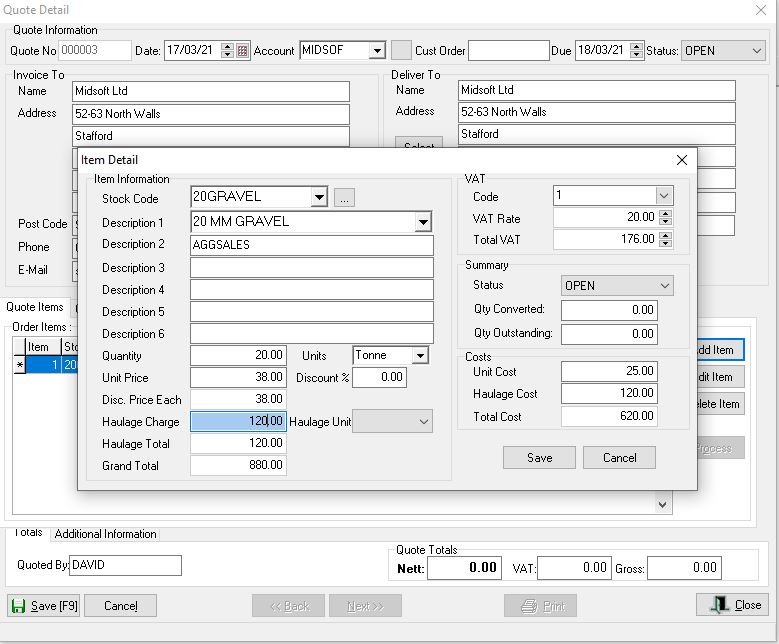
Input the details for the quote then click Save
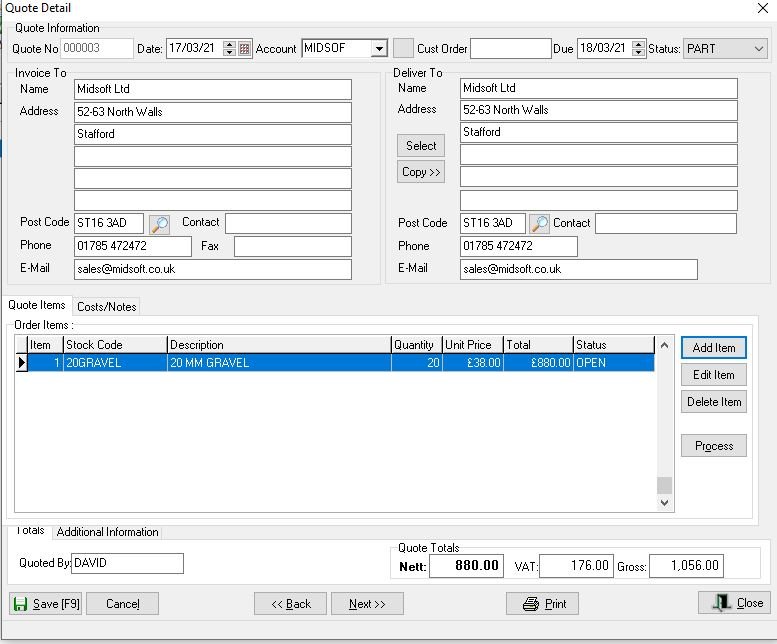
Once completed you have the opportunity to print a hard copy or email the quote to the customer.
Feedback
Copyright © 2025 Midsoft
—
Powered by 
Post your comment on this topic.