
To open an order click Orders on the top menu

This opens the orders window
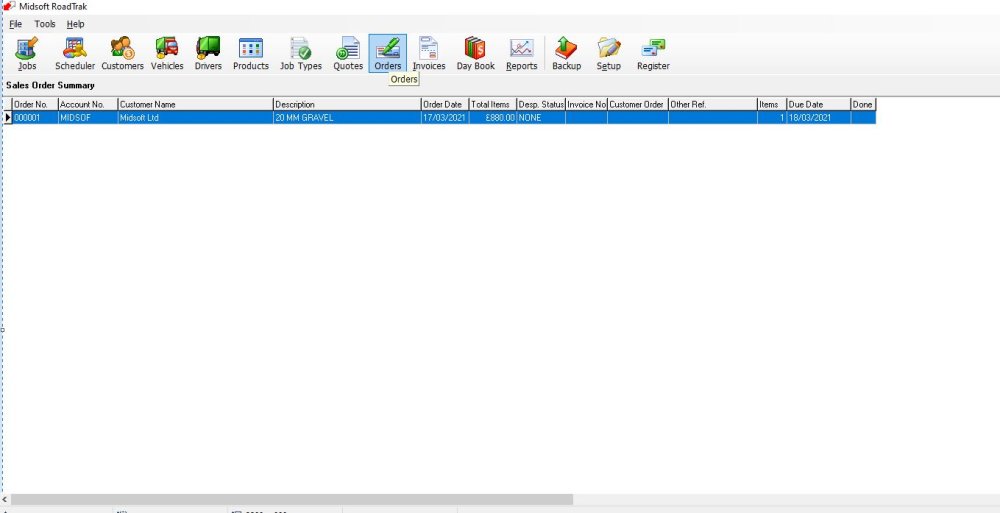
Select the order you wish to open

Then either double click the item or highlight it and click Open

This opens the chosen customers order screen,
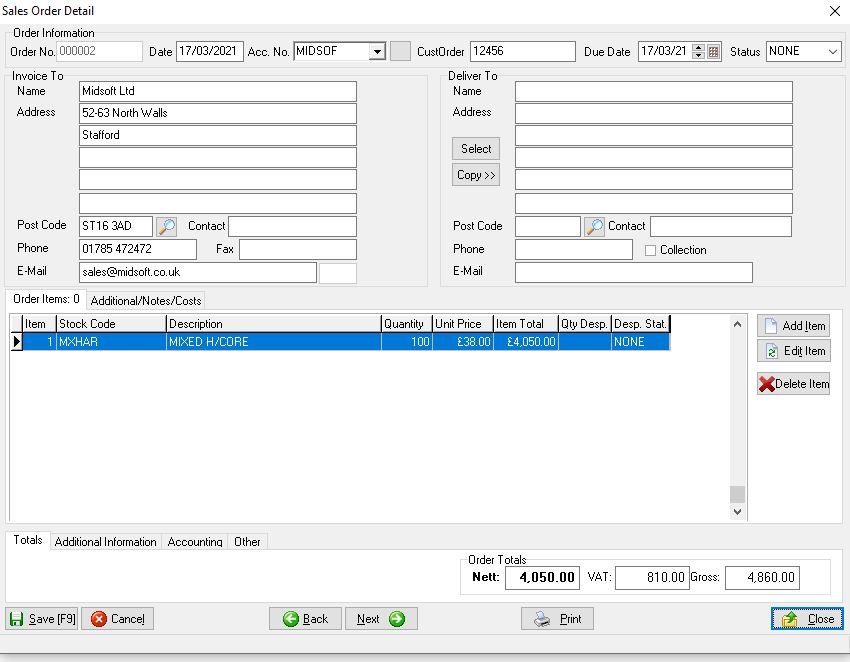
Once you’ve worked on the order, click close to return to the main Order screen
Feedback
Copyright © 2025 Midsoft
—
Powered by 
Post your comment on this topic.