
To view the history of a Product, click Products on the top menu.

This opens the Products Window.
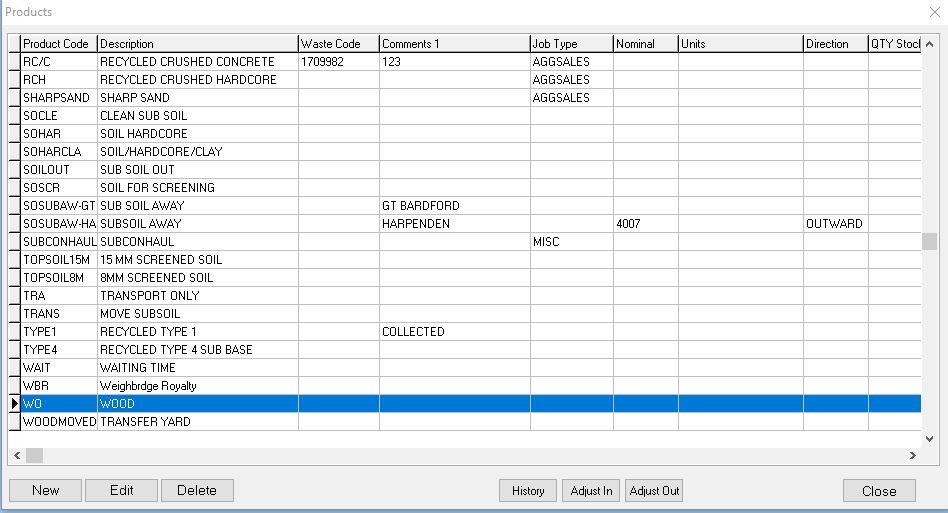
Select the Product who’s history you wish to view
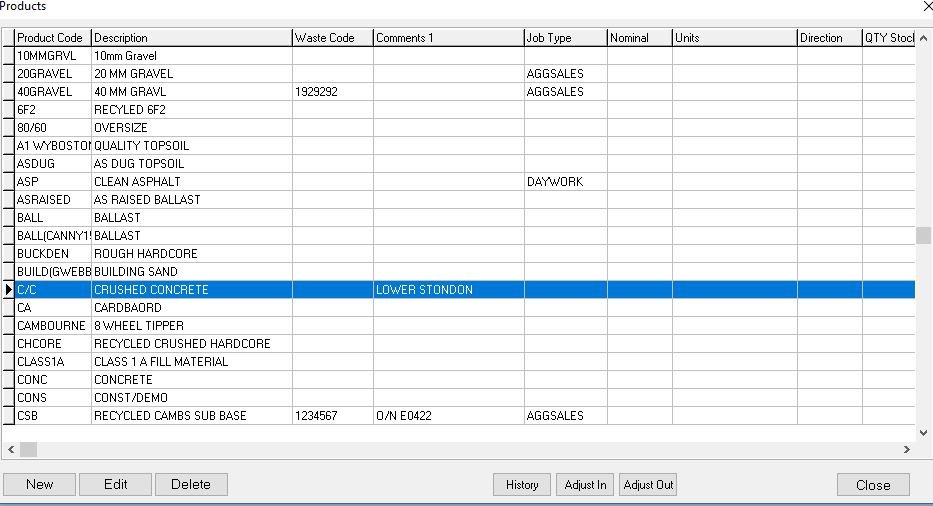
Then click the History Button

This then opens the History for that product, you can filter by dates and direction of load, inward, outward or both.
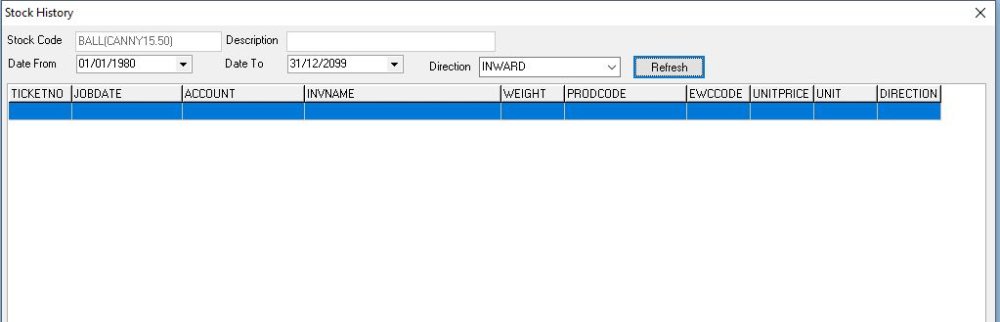
You can Print a report from here or when you’ve finished click the Close button

Feedback
Copyright © 2025 Midsoft
—
Powered by 
Post your comment on this topic.