
To delete a job, click Jobs on the Top menu

This will open a jobs page
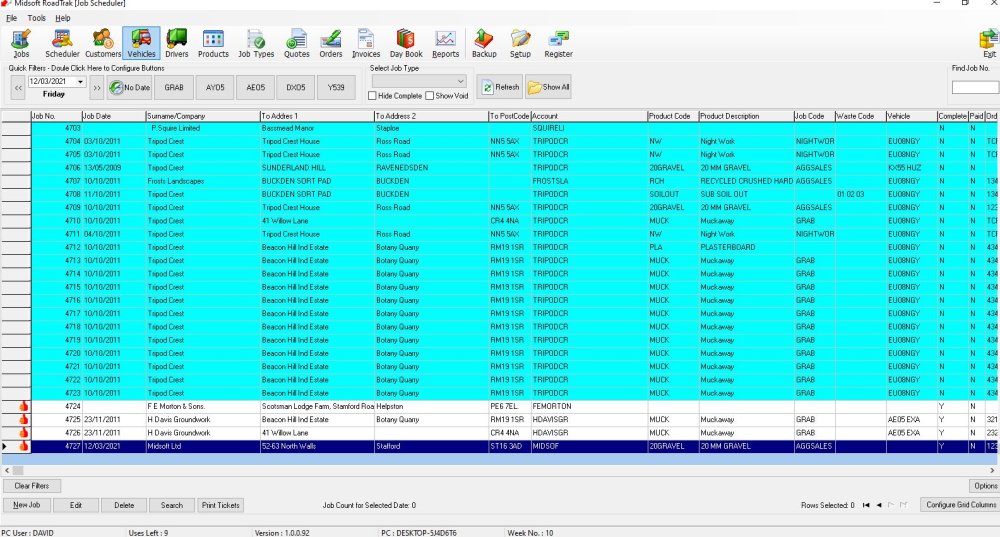
Highlight the job you want to Delete

And click the Delete button

You get a check box to confirm so you don’t accidentally delete a job.
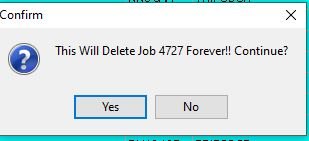
If you’re sure click Yes
Feedback
Copyright © 2025 Midsoft
—
Powered by 
Post your comment on this topic.